SOLUTIONS

Solutions

Site organisation and integration paths across four project scenarios: public rental housing, smart campus, apartment, and hotel & homestay.

01 / Public rental housing

Public rental housing solution

Units are scattered and turnover is frequent; once the lock is networked, all of this is handled in the system.

01 / Field pain points

Field pain points

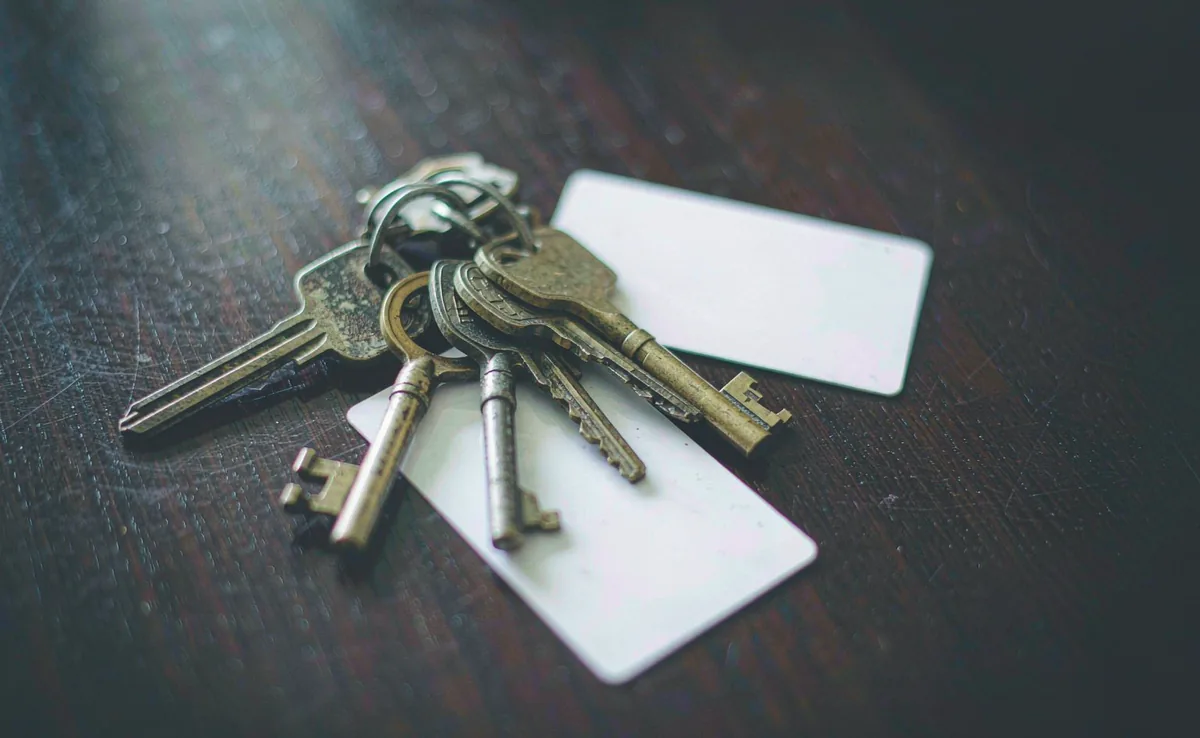
A worn set of mechanical keys and a few blank access cards on a desktop

A credential that cannot be taken back

Today: keys have to be collected and the cylinder replaced, which means a second visit on move-out day

  • On move-out the key cannot be recovered, so the cylinder has to be changed before the next tenant
  • A card that passes through several hands may end up with someone other than the registered tenant

Once the lock is networked: access is withdrawn in the system. A face or a fingerprint cannot be handed to someone else, so disabling it in the back office on move-out day is enough, with no lock body to change.
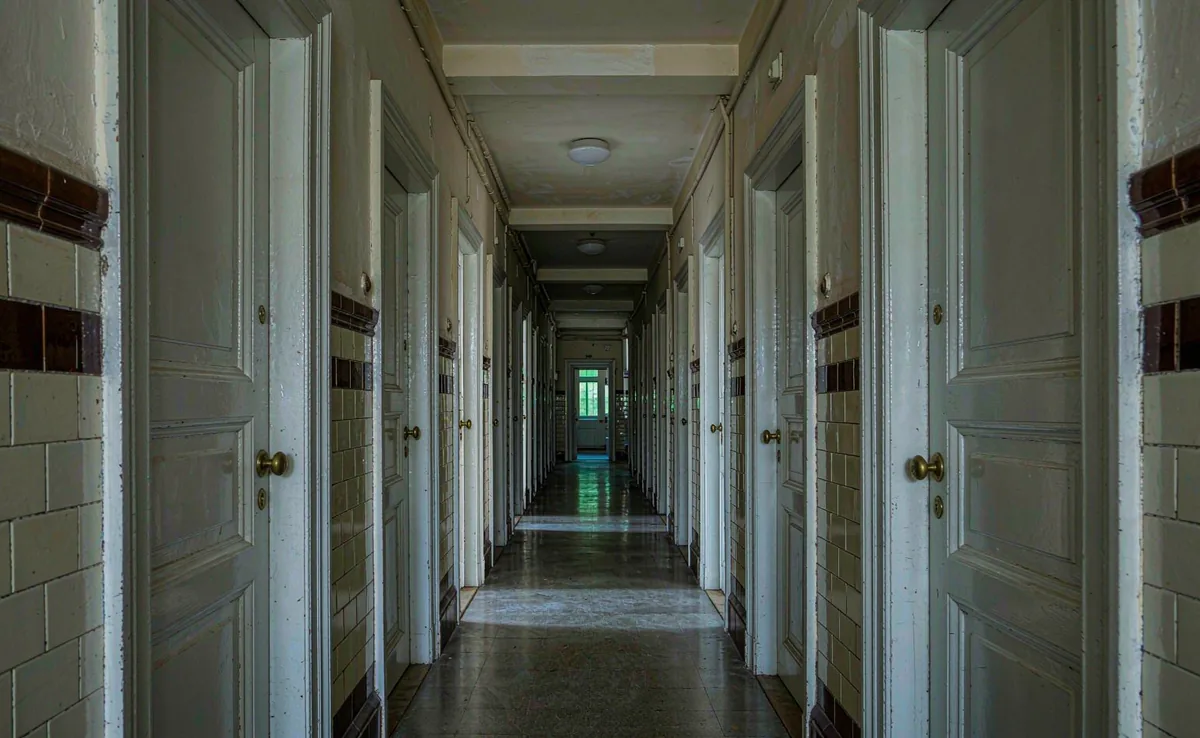

A long corridor in an older apartment building, with rows of identical doors and no one in sight

The actual occupant is hard to verify

Today: checking means visiting floor by floor, and one round never covers every unit

  • Whether a vacant unit has been occupied can only be checked floor by floor
  • Subletting and overcrowding usually surface only after a neighbour complains

Once the lock is networked: an opening by someone other than the registered tenant raises an alert. An opening in a vacant unit, or by an unregistered visitor, is pushed straight to the housing officer instead of waiting for a neighbour to report it.

Paper registers, loose receipts and a pen spread out on a dark desk

The ledger and arrears are hard to pin down

Today: it relies on manual inspection and paper records, and the ledger has to be typed up before a check

  • Rent arrears can only be chased in person, with no record of the process
  • Inspections are written on paper and typed up before a check
  • A repair is passed around before anyone finds out the lock model does not match the door
  • In a retrofit with many points, lock responsibility is hard to pin down at handover

Once the lock is networked: visits and their timing are kept in the system. An overdue unit is flagged automatically, meter readings stay in the back office, and the account can be settled on move-out day.

02 / Solution overview

Solution overview

Move-in: fingerprint or face enrolled at the service desk, with the record completed in one visit
Daily access: a tenant opens the door by face or fingerprint on the lock panel
Rent collection and maintenance: a reminder on the tenant's phone, a repair ticket logged in the back office
Move-out: access withdrawn in the back office, keys returned, and the unit marked vacant
Move-in
Daily access
Rent collection and maintenance
Move-out

Face, fingerprint, PIN, NFC and mobile can all open the door, combined into two-step verification if the project requires it. At move-in, enrolment and identity matching happen once in the system, and access is issued after the match.

The time, method and person for every opening upload in real time, and proxy openings and openings outside the registered window are logged for later verification.

Payment status syncs to the lock: an overdue unit is flagged automatically, the lock plays a spoken reminder when the tenant opens the door and the dunning record is kept, and access is restored once the balance is cleared.

Tenants raise a repair in the system and the ticket carries the lock point and model automatically; batch handover is checked item by item against the point list.

Access rights bind to the unit and the tenant, and can be issued by building, unit and floor. On move-out or a room change they are withdrawn or moved in the system with no work on the lock body; once the unit is vacant, the next opening raises an alert.

Process diagram | access runs one way, from issue to withdrawal, and every step is logged.

Integration diagram: the three connectivity paths for locks and the three destinations of DSLock Path one · the room has a network cable Room door lock DS209 / DS309 / DS412 Wi-Fi / PoE Direct to platform No gateway involved Path two · the room has no cabling Room door lock Models with 4G support 4G Direct to platform No gateway involved Path three · locks networked within a building Locks · access · elevator Several devices per floor DSMesh / Sub-1G Floor gateway Local aggregation Ethernet / 4G DSLock management system Access issued · logs · status Desktop Back-office management Mobile app Admin app · user app Open interfaces HTTP · MQTT Project-specific platform Built to requirements Choose one of the three paths to suit the site, or mix them within one project: a room with a cable uses Wi-Fi or PoE, no cabling means 4G, and several locks in a building aggregate over DSMesh or Sub-1G to a gateway. A lock only uploads door-opening logs and status; access is still issued by the platform, so all three paths share the same security model. The three destinations on the right are used as the project requires: the operator's own desktop and mobile apps, or a project-specific management system through the open interfaces. Whichever path is used, the retrofit needs no new cabling.
Integration diagram | locks have three connectivity paths: directly over Wi-Fi or PoE, directly over 4G, or aggregated over DSMesh / Sub-1G to a floor gateway before uplinking. All three meet in DSLock, which distributes to desktop, mobile, and a project-specific management platform through the open interfaces.

Choose one of the three paths to suit the site, or mix them within one community. Connectivity options: Wi-Fi / PoE / DSMesh / Sub-1G (433 MHz) / Bluetooth / 4G, per model and project selection.

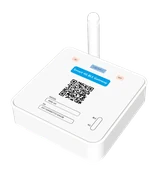
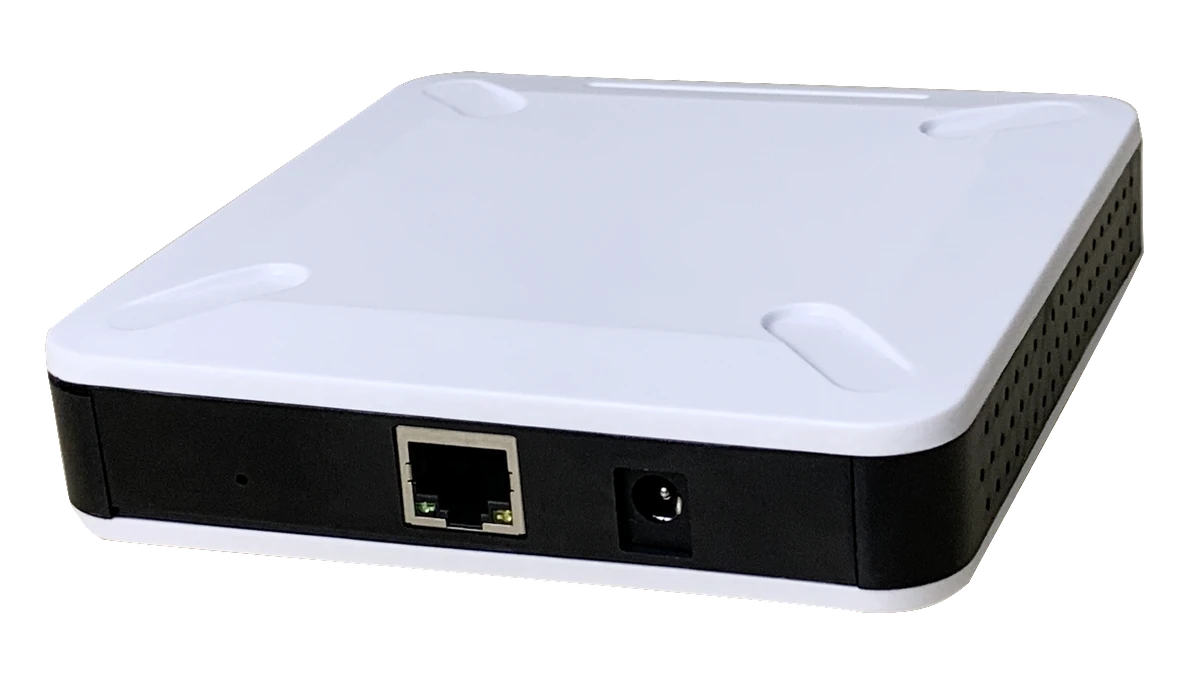
Smart gateway Smart gatewayAggregated within the building, with Ethernet or 4G uplink
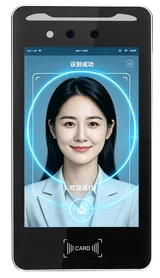
Face recognition access terminal Access & elevator controlAccess control for community gates, unit doors and elevators
Smart water meter Smart water meterIn-unit water metering, recorded alongside lock points
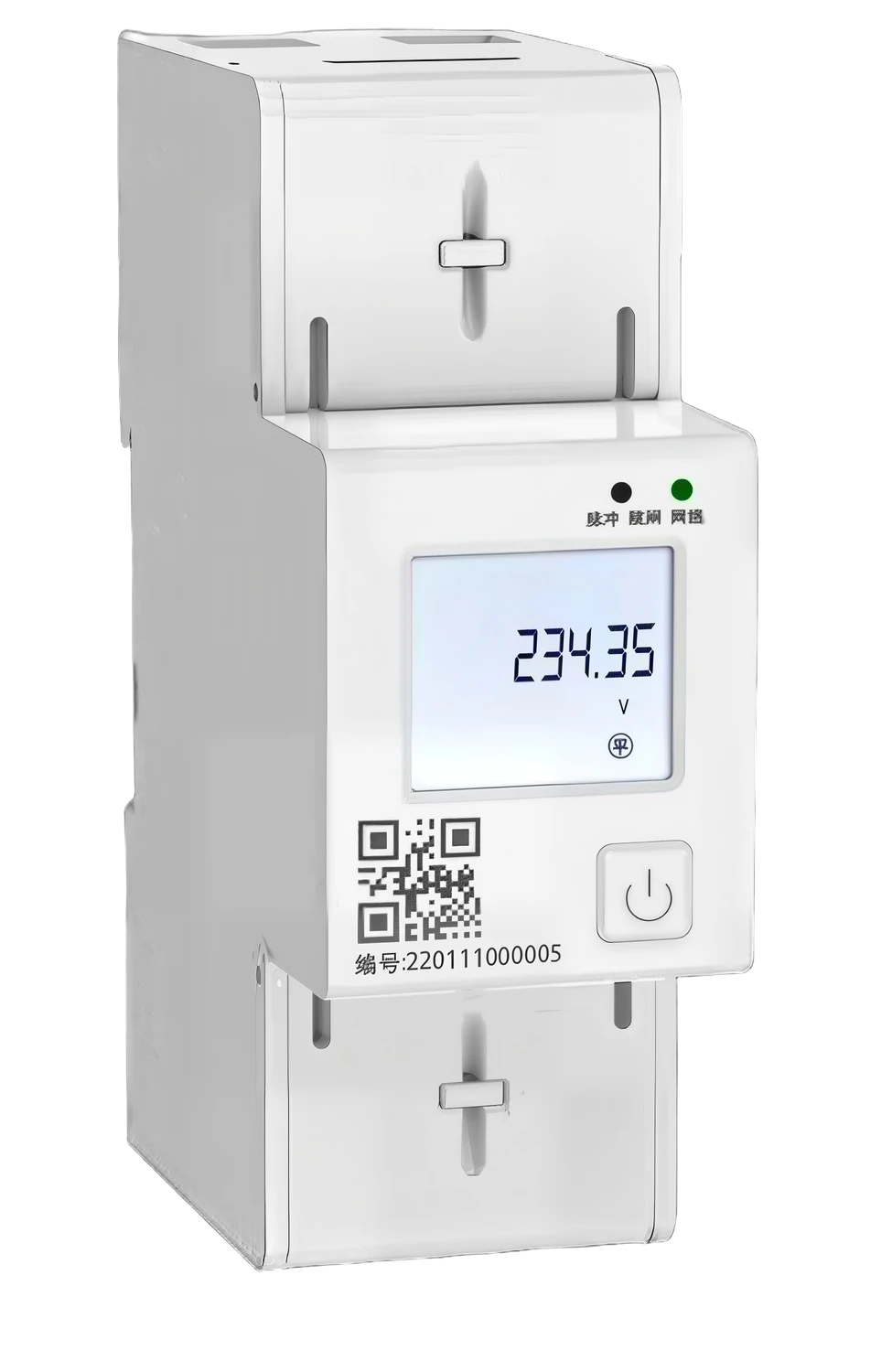
Smart electricity meter Smart electricity meterIn-unit electricity metering, recorded alongside lock points
Fingerprint scanner Enrolment devicesFace and fingerprint enrolled at move-in
Card writer Card writerCards issued on site where the building needs them
04 / Model selection

Model selection

Image Model Product Unlock methods Why this model
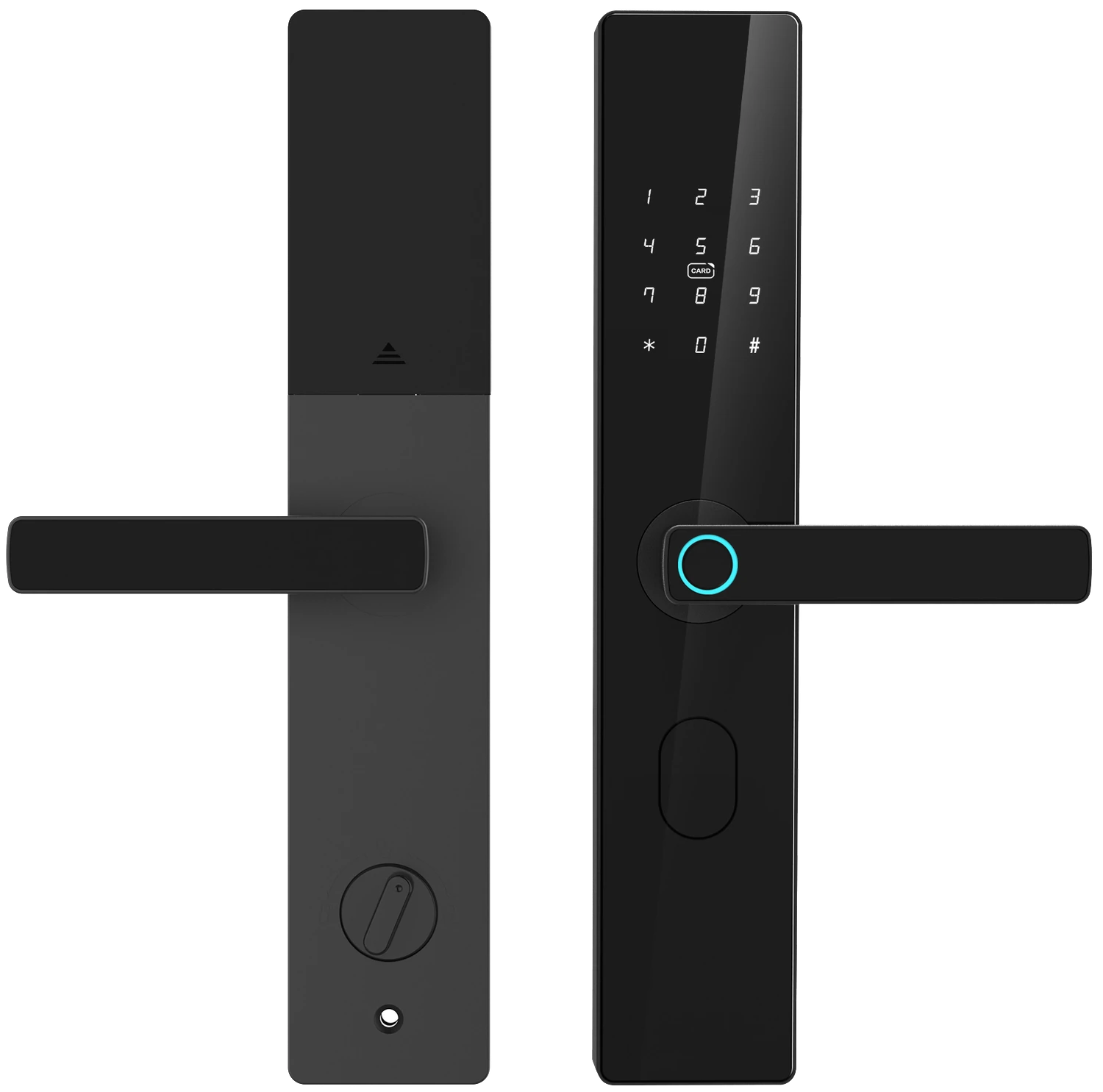
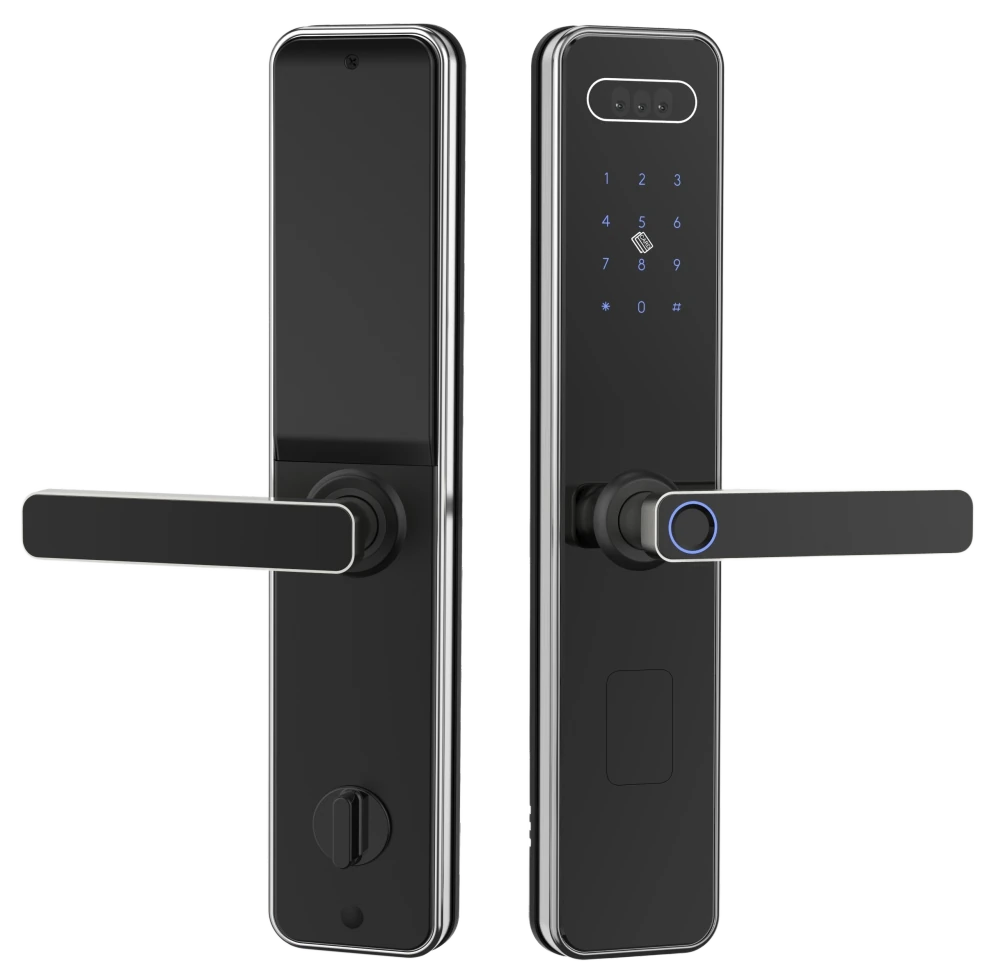
DS209 room door lock DS209 Room door lock NFC / PIN / mechanical key / mobile / fingerprint Fingerprint with identity-matched opening; the most widely deployed model in batch installations
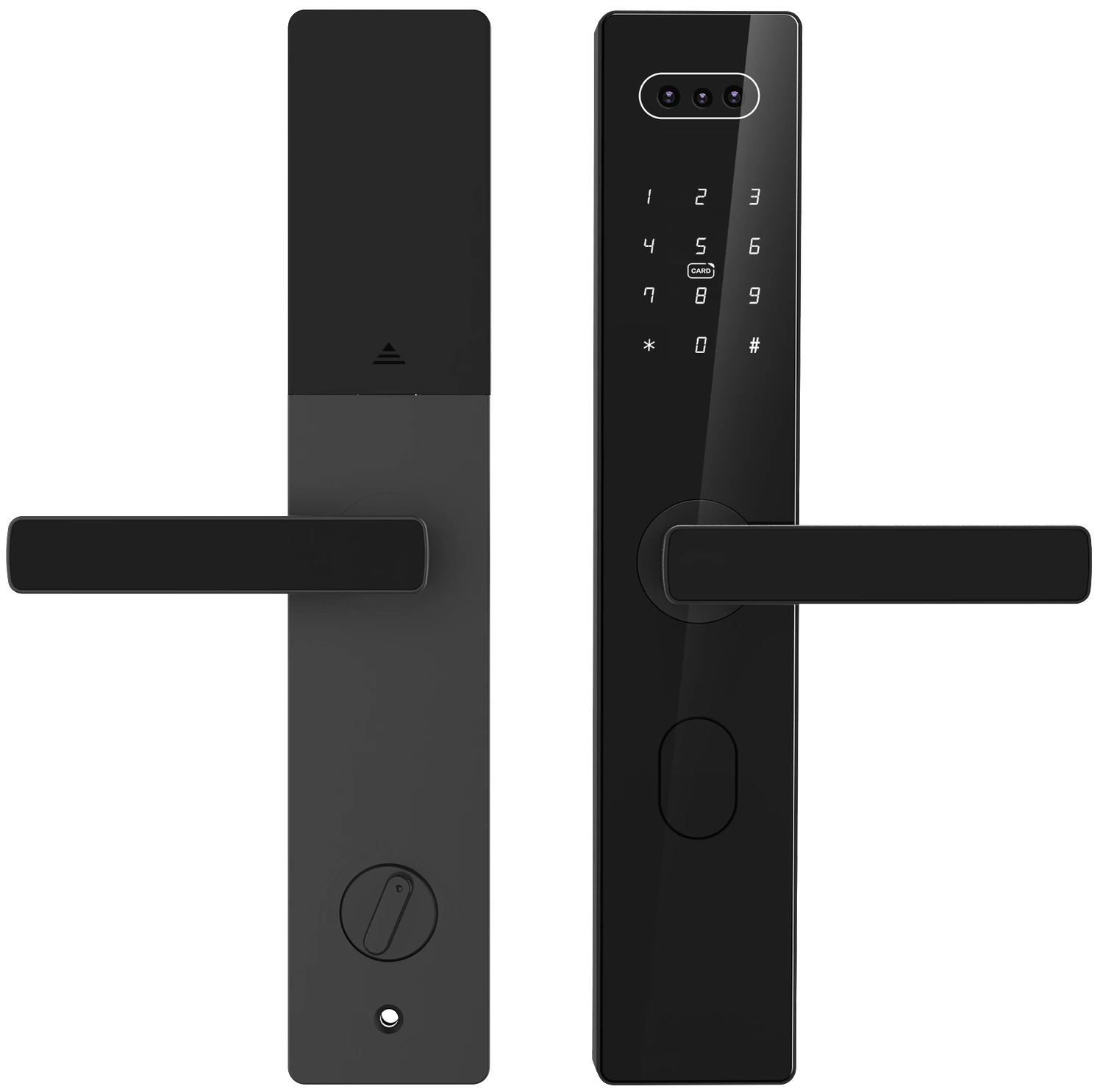
DS309 room door lock DS309 Room door lock NFC / PIN / mechanical key / mobile / face Face tier, identity matched on entry, for buildings that need to prevent subletting
DS412 room door lock DS412 Room door lock NFC / PIN / mechanical key / mobile / face / fingerprint Face and fingerprint both fitted, for buildings under closer supervision
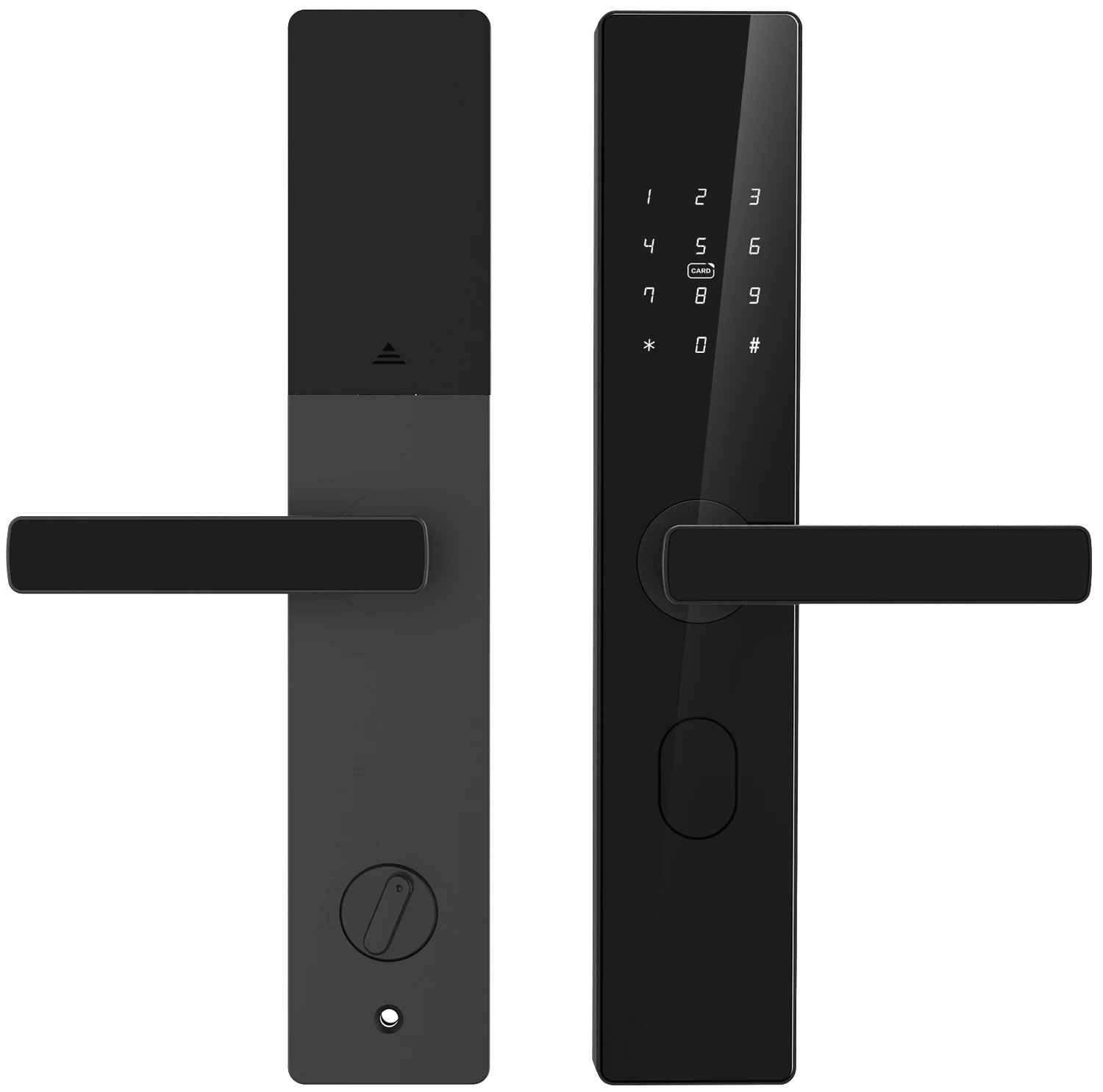
DS109 room door lock DS109 Room door lock NFC / PIN / mechanical key / mobile Basic tier, for budget-constrained retrofits of older buildings
F18081 face access terminal F18081 Face recognition access terminal Face / NFC Fitted on the community gate and the unit door, keeping outsiders out first, with the room lock verifying the person again

The combinations above are the common ones; the final choice follows the door conditions and the project selection.

05 / Open interfaces

Open interfaces

DSLock is not a closed system. Lock capabilities can connect to the project's existing systems in the ways below, with data staying on the project's own servers.

Standard protocol

HTTP and MQTT interfaces for devices and events.

SDK

Language-specific packages that wrap authentication and interface details.

On-premises deployment

The management system can run on the project's own servers.

Direct device connection

Devices connect directly to the customer's own server, without passing through ZGLock-hosted software.

If the project-specific management system is not ready yet, installation can proceed on DSLock first and the integration added once it is; the schedule does not have to wait for software development.

02 / Smart campus

Campus access and accommodation management

A school manages access by campus, faculty and class; once locks are networked, access, bookings and the school's existing systems share data.

01 / Field pain points

Field pain points

A registration desk: printed lists, a laptop and stacks of campus cards

Lists have to be typed in several times

Today: the intake list has to be entered into several systems

  • During registration the list is typed into the welcome, student affairs and campus card systems separately
  • When a student changes course, takes leave or withdraws, card access is not always switched off at the same time
  • After students graduate, their campus cards can still open building access

Once the lock is networked: the list comes from the school's own systems, so a student has access from day one; it changes with enrolment status and is switched off on the day they leave, with no cards to collect room by room.

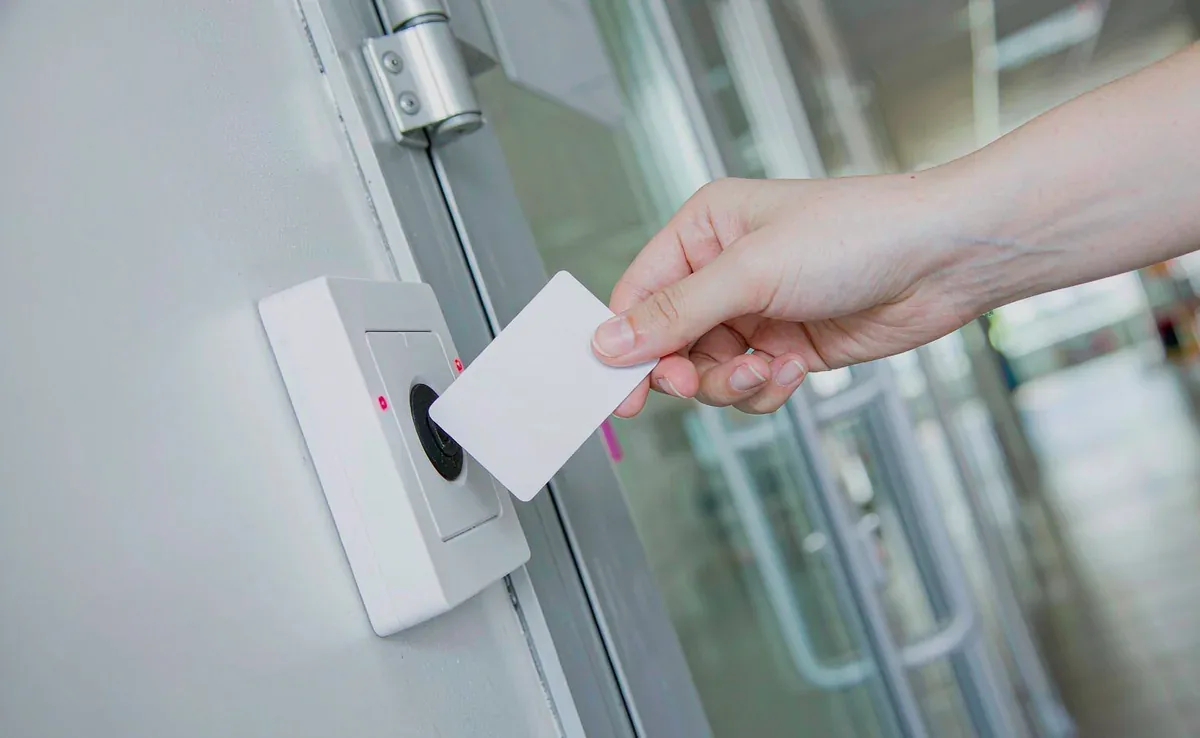
A campus card held against the reader at a dormitory entrance

Building access cannot verify who is present

Today: entry is by card, and anyone can follow someone in

  • A campus card can be lent out, so the person holding it may not be the owner
  • Late returns and absence are checked by hand, so the data lags
  • Once outsiders are inside a building, when they entered cannot be traced

Once the lock is networked: building doors use face verification, so only the person present gets in, and tailgating and students from other buildings are both logged. Entry and exit logs upload in real time, and the counsellor can check who has not returned the same day.

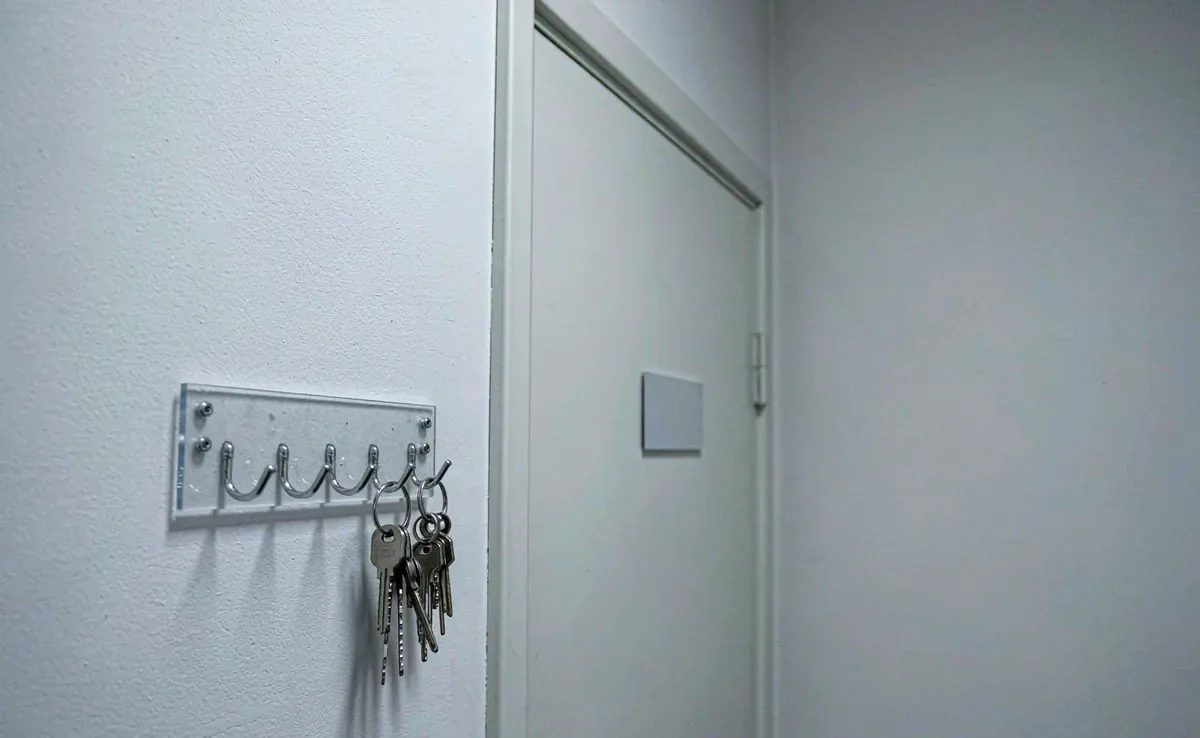
A key board outside a laboratory door, several hooks already empty, with the doors shut

Function rooms depend on keys and paper sign-out

Today: keys are kept in the duty room and signed out one use at a time

  • Practice rooms, laboratories and meeting rooms have only a few keys, and bookings collide
  • Whether a key came back on time is not fully recorded
  • Who used it and for how long cannot be traced afterwards

Once the lock is networked: a teacher sets the opening rules in the back office and people book for themselves; at the booked time they enter by face, campus card or fingerprint, and access lapses when the slot ends. Who used the room and for how long stays in the system.

02 / Solution overview

Devices chosen by location

Each part of a campus has its own access pattern — dormitories, laboratory buildings, building doors and function rooms differ in footfall and in how people open a door — so the lock is selected per location.

DS109 room door lock (NFC campus-card tier)

Dormitories: campus card

Dormitories are numerous, and fitting fingerprint or face devices across a whole building is a large outlay. Dormitories use an NFC campus-card lock, so the campus card is the credential and existing cards stay in use.

DS209 room door lock (fingerprint tier)

Labs and offices: fingerprint

Staff and students pass through often and usually have their hands full. These areas use fingerprint or face locks, so no card has to be taken out.

F18081 face recognition access terminal

Building and corridor doors

Entrances carry heavy footfall; face recognition access is fast and holds many faces, and only the person present can open the door. Anyone entering behind them stays traceable in the logs.

DS309 room door lock (face tier)

Function rooms: by booking

With locks fitted in practice rooms, laboratories and meeting rooms, access follows the opening rules a teacher sets and lapses automatically when the slot ends.

Network diagram: campus points, aggregation gateways and the three destinations of DSLock Points across campus Student dormitory door lock NFC campus-card tier Laboratory and office locks Fingerprint tier Function-room lock Face tier · access by booking Building doors · corridor doors F18081 face access terminal Elevator door points EVC03E elevator reader Room water and power meters Smart water and electricity meters Floor / building gateway Local aggregation Uplink: Ethernet / 4G DSLock management system Access issued · logs · status Desktop Site office · dormitory back office Mobile app Counsellor · dormitory staff · student Open interfaces HTTP / MQTT Existing campus systems Welcome · student affairscampus card, academic records Left: the points across campus. Dormitory locks, laboratory and office locks, function-room locks, building and corridor access control, elevator control and room meters all join one access-rights system. Dormitory locks use the NFC campus card; laboratories and offices use fingerprint; function rooms use face released against a booking; building and corridor doors use face recognition access. Locks network locally over DSMesh; where cabling is awkward, a gateway aggregates over Sub-1G and uplinks over Ethernet or 4G. Right: the platform is used the way the school already works; the open interfaces connect to the welcome, student affairs, campus card and academic systems, with no second account system.
Network diagram | campus points join one access-rights system: dormitory locks use the NFC campus card, laboratories and offices use fingerprint, and function rooms use face released against a booking. Devices aggregate through building gateways and uplink to DSLock, which distributes to desktop and mobile and connects to the school's welcome, student affairs, campus card and academic systems through the open interfaces.

Locks and gateways choose connectivity to suit the site: Wi-Fi or PoE where the room has a network cable, 4G where there is no cabling, and DSMesh or Sub-1G to aggregate several locks in a building to a gateway. Connectivity options: Wi-Fi / PoE / DSMesh / Sub-1G (433 MHz) / Bluetooth / 4G, per model and project selection.

Face recognition access terminal Face recognition access terminalBuilding and corridor doors, opened by face verification
Elevator reader Elevator readerElevator door points, connectable to the door control cabinet
Smart gateway Smart gatewayAggregated within the building, with Ethernet or 4G uplink
Smart electricity meter Smart electricity meterDormitory electricity use, with unauthorised appliances and overload detected
Smart water meter Smart water meterDormitory water metering, recorded alongside lock points
Fingerprint scanner Enrolment devicesFingerprint and face enrolled at enrolment
05 / System integration

Connecting to campus systems

A school runs many systems, and welcome, student affairs, campus card and academic are only some of them; the lock platform does not build a second account system.

Welcome system

The intake list syncs from the welcome system, so access opens on registration day with no re-entry.

Dormitory management system

Bed allocation follows the dormitory management system, and move-in, room change and move-out issue and withdraw access by bed.

Student affairs system

Enrolment status follows the student affairs system, so course changes, leave of absence and withdrawal sync automatically.

Campus card

The campus card is the credential: a lost card is disabled immediately, a replacement restores access, and no cylinder has to be changed.

Academic records and assessment

Booking and attendance data can be provided to the academic system as evidence of hours and assessment.

Integration follows the interfaces, and on-premises deployment is supported; no second account system is created and data stays on the school's own servers. Beyond the systems above, other systems the school runs can be connected the same way.

06 / Model selection

Model selection

Image Location Model Product Unlock methods Why this model
DS109 room door lock Student dormitory DS109 Room door lock NFC / PIN / mechanical key / mobile Dormitories are numerous, so using the campus card as the credential keeps the overall outlay lower
DS209 room door lock Laboratories · offices DS209 Room door lock NFC / PIN / mechanical key / mobile / fingerprint Card-free access, while keeping the campus card as an unlock method
DS309 room door lock Function room · meeting room DS309 Room door lock NFC / PIN / mechanical key / mobile / face Enter by face, released within the booked slot, with a record of the booking kept
F18081 face access terminal Building doors · corridor doors F18081 Face recognition access terminal Face / NFC Entrances carry heavy footfall; face recognition is fast and holds many people, and it can also connect to an elevator door control cabinet
DS412 room door lock Key rooms DS412 Room door lock NFC / PIN / mechanical key / mobile / face / fingerprint Face and fingerprint both verified, with access limited to specific people

The combinations above are the common ones; the final choice follows the door conditions and the project selection.

03 / Apartment

Apartment rental solution

Apartments divide into long-term and short-term rental. Once the contract is signed, Fangyun Manager issues access directly, and locks, prepaid meters and e-contracts are managed in one system.

01 / Field pain points

Field pain points

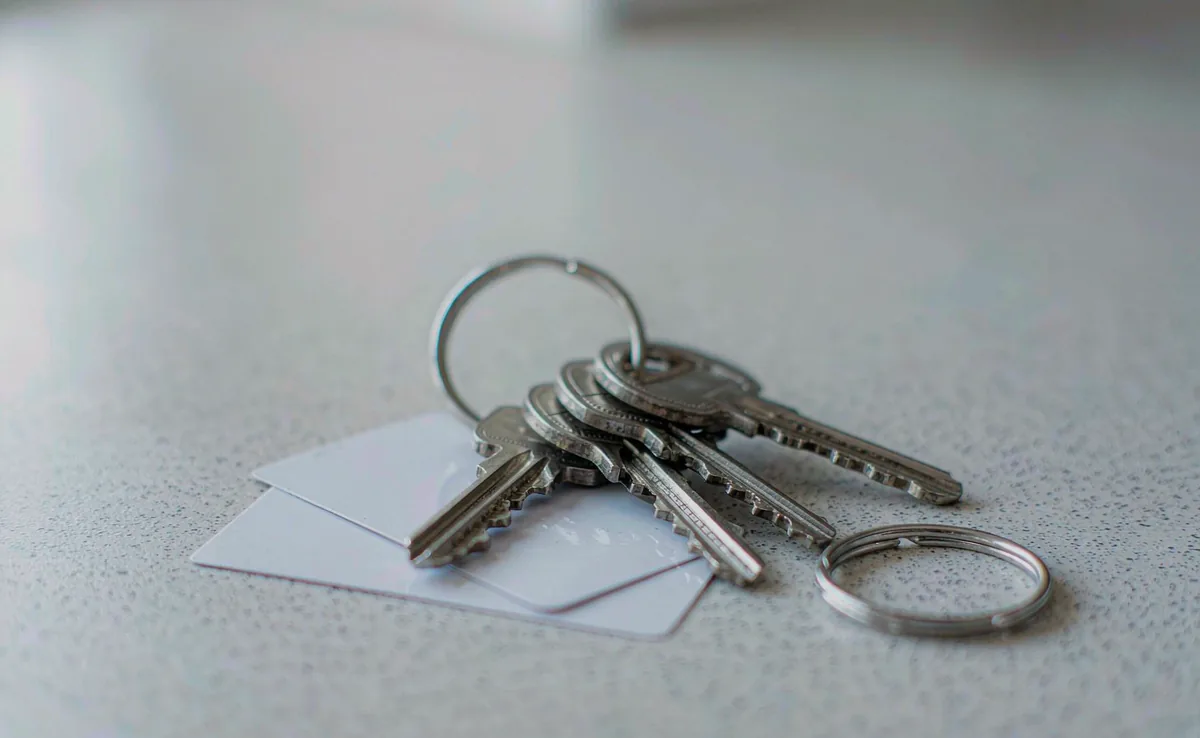
A set of mechanical keys and two blank access cards on a light-coloured surface

Keys change hands with gaps in between

Today: keys are delivered and collected by hand, and short-stay rooms turn over often

  • Short-stay guests turn over often, and every handover needs someone on site
  • Keys pass through several hands, so the actual occupant is hard to verify

Once the lock is networked: access is issued as soon as the contract is signed and withdrawn in the back office on move-out day. Short stays get an expiry date and access lapses automatically.

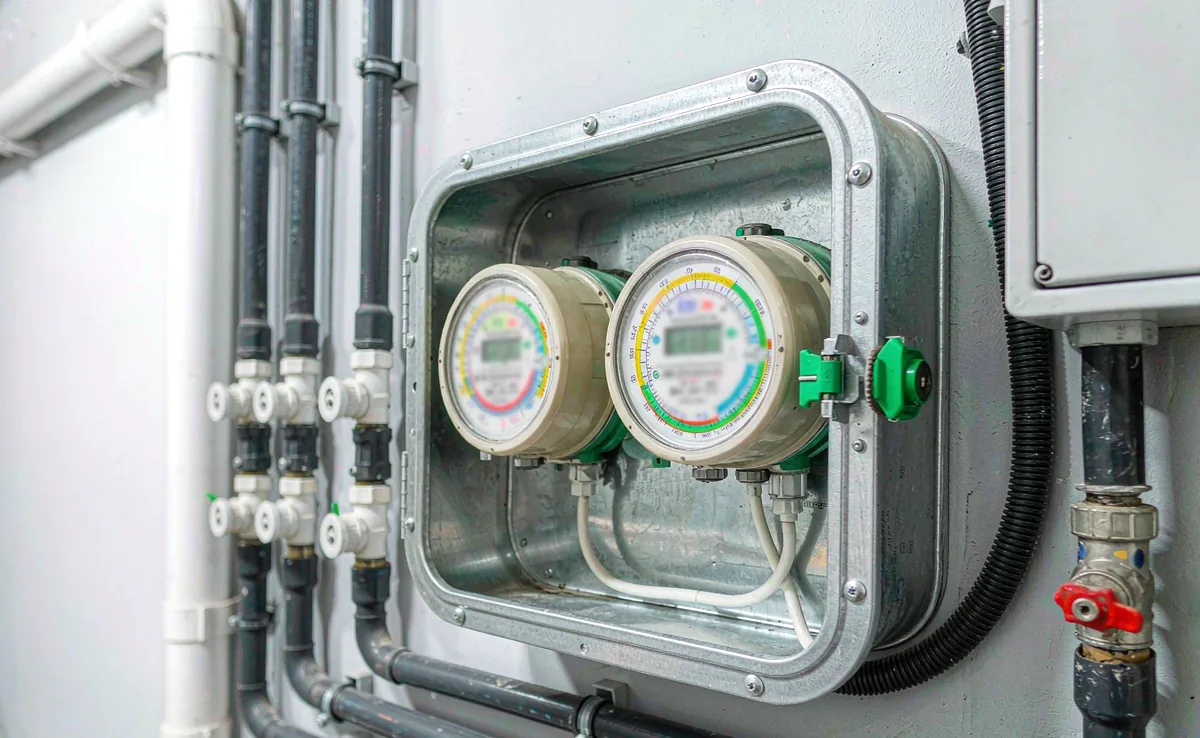
Water and electricity meters mounted side by side in a corridor meter box

Meter reading and arrears are hard to control

Today: utilities are settled after use, and meters are read door to door

  • Meter reading is done door to door, and readings rarely reconcile with the bills
  • Once in arrears, supply has to be cut by hand on site

Once the lock is networked: water and electricity run prepaid, so tenants top up before use, supply stops when the balance runs out, and no one has to visit the site.

Paper contracts, receipts and a pen spread out on a desktop

Contracts and access managed separately

Today: paper contracts are signed offline, and signing details, lock access and utility accounts are recorded separately

  • Paper contracts take time to sign, and signing from another city is awkward
  • Signing details have to be entered into the lock system and the utility system separately, which invites errors

Once the lock is networked: the contract is signed online, and access plus the utility accounts are issued as soon as signing completes.

02 / Solution overview

Solution overview

Issued at signing
Move-in access
Utility payment
Move-out

Tenants sign the e-contract online, and Fangyun Manager issues lock access and the utility account as soon as signing completes. Long-term lets are authorised by lease term, short stays by the booking window.

PIN, NFC, mechanical key and mobile all open the door. The time and method of every opening upload to the system, and proxy openings and openings outside the registered window are both logged.

Water and electricity run prepaid: the tenant tops up and then draws water and power, supply stops automatically when the balance runs out, and top-up records and consumption stay in the system.

Lock access is withdrawn in Fangyun Manager on move-out day and the utility account is settled against the balance; once the unit is vacant, the next opening raises an alert.

Process diagram | from issue at signing to withdrawal at move-out there is one path, and every step is logged.

Network diagram: how apartment devices aggregate, and the three destinations of Fangyun Manager Points inside the apartment Room door lock LC101 / DS109 Smart water meter Prepaid metering Smart electricity meter Prepaid metering Floor / building gateway Local aggregation Uplink: Ethernet / 4G Fangyun Manager Access issued · bills kept · device status Desktop Site office · back office Mobile app Manager · tenant Open interfaces HTTP / MQTT Operator's existing systems Accounting · invoicing · office tools Left: locks and meters in the apartment aggregate over DSMesh or Sub-1G to the nearest floor or building gateway, which uplinks over Ethernet or 4G to Fangyun Manager. Right: Fangyun Manager distributes to desktop and mobile, and integrates through the open interfaces with the operator's existing accounting, invoicing and office systems. Note: the exact integration of locks and water and electricity meters follows the site conditions and the project selection.
Network diagram | locks and prepaid meters in the apartment aggregate to the nearest gateway, then uplink to Fangyun Manager; Fangyun Manager distributes to desktop and mobile, and connects to the operator's existing systems through the open interfaces.

Locks and meters choose an integration path to suit the site. Connectivity options: Wi-Fi / PoE / DSMesh / Sub-1G (433 MHz) / Bluetooth / 4G, per model and project selection.

05 / Model selection

Model selection

Image Model Product Unlock methods / connectivity options Why this model
LC101 room door lock LC101 Room door lock PIN / NFC / mechanical key / mobile The cost-effective mainstay, suited to both long-term and short-term rooms
DS109 room door lock DS109 Room door lock NFC / PIN / mechanical key / mobile Basic tier, for budget-constrained unit retrofits
Smart water meter 4G version Smart water meter Networked inside the meter, prepaid metering Water is released after top-up and stops automatically when the balance runs out
Smart electricity meter DIN rail Smart electricity meter Networked inside the meter, prepaid metering Electricity is used after top-up and stops automatically when the balance runs out
WXQ-G4 smart lock gateway WXQ-G4 Smart lock gateway 4G uplink / Ethernet, DSMesh downlink Scattered points need no cabling, with locks and meters aggregating locally

The combinations above are the common ones; the final choice follows the door conditions and the project selection.

06 / Open interfaces

Open interfaces

Fangyun Manager is not a closed system. Lock and meter capabilities can connect to the operator's existing systems in the ways below, with data staying on the operator's own servers.

Standard protocol

HTTP and MQTT interfaces for devices and events.

SDK

Language-specific packages that wrap authentication and interface details.

On-premises deployment

The management system can run on the operator's own servers.

Direct device connection

Devices connect directly to the customer's own server, without passing through ZGLock-hosted software.

Apartment accounting and invoicing systems connect through the open interfaces, and signing and top-up records can be sent back to the operator's existing systems.

04 / Hotel and homestay

Hotel and homestay solution

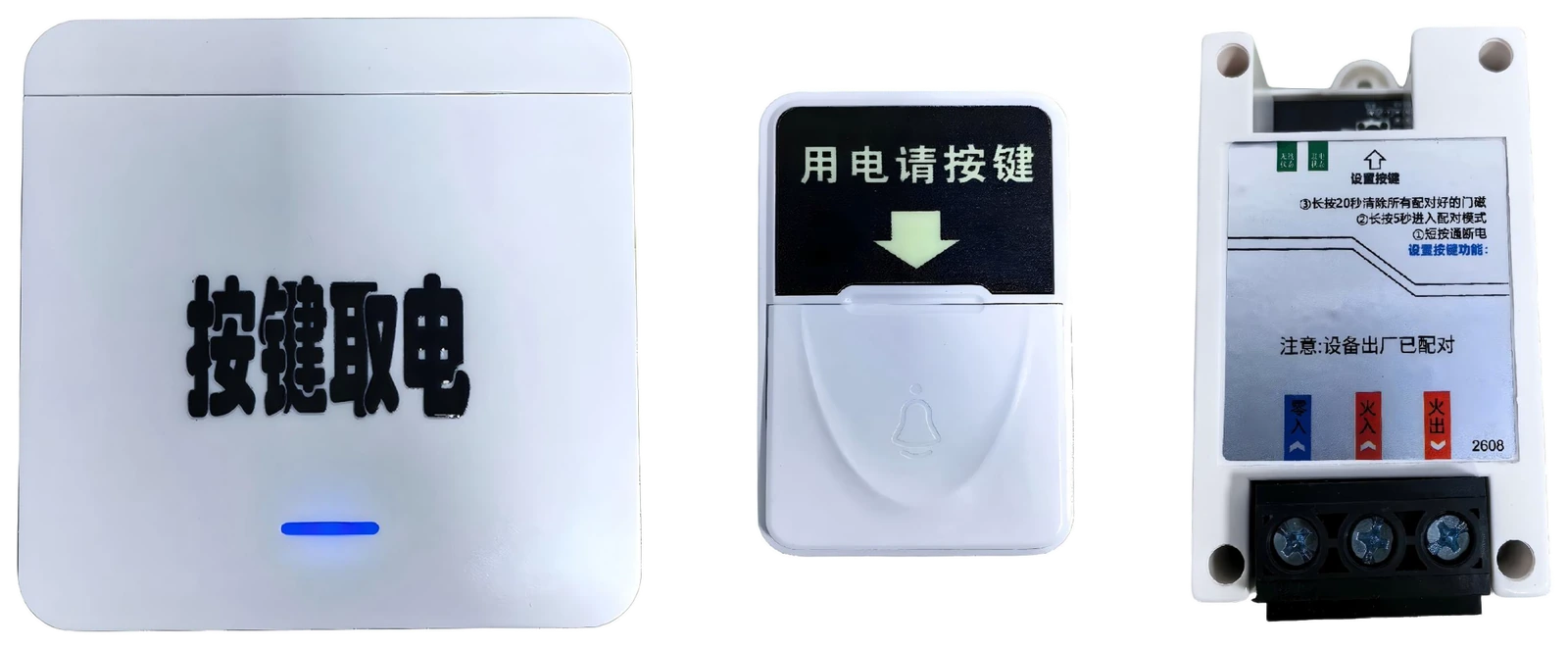
Hotels with a front desk draw power with a room card; a homestay without one has no card to use. Guest rooms are billed at the commercial tariff, and the power set lets a room cut its own supply once the guest leaves.

01 / Field pain points

Field pain points

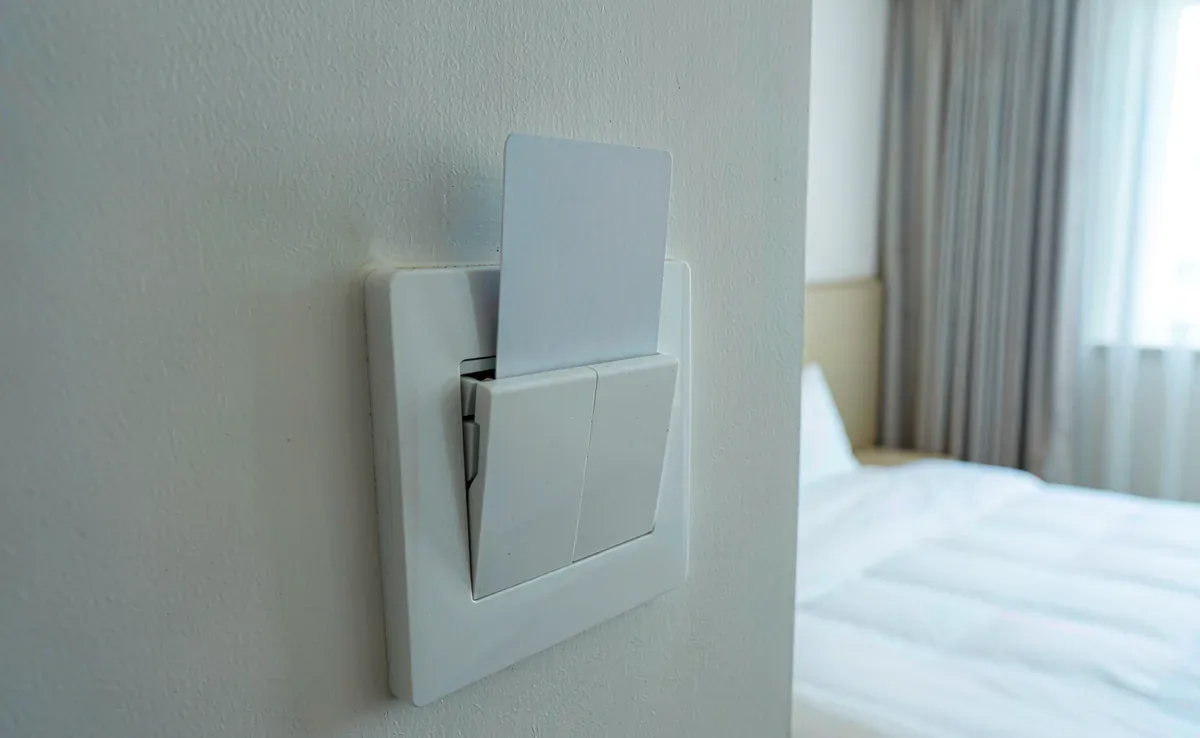
A room card is still in the slot of an empty guest room

The room keeps drawing power after the guest has left

Today: the room card stays in the slot, so the room keeps drawing power while the guest is out

  • Guests leave the room card in the slot when they go out or check out, so the room keeps drawing power
  • Air conditioning and water heaters run for hours, and the hotel carries the bill

With the power set fitted: the room circuit opens as soon as the card leaves the slot, so an empty room stops drawing power.

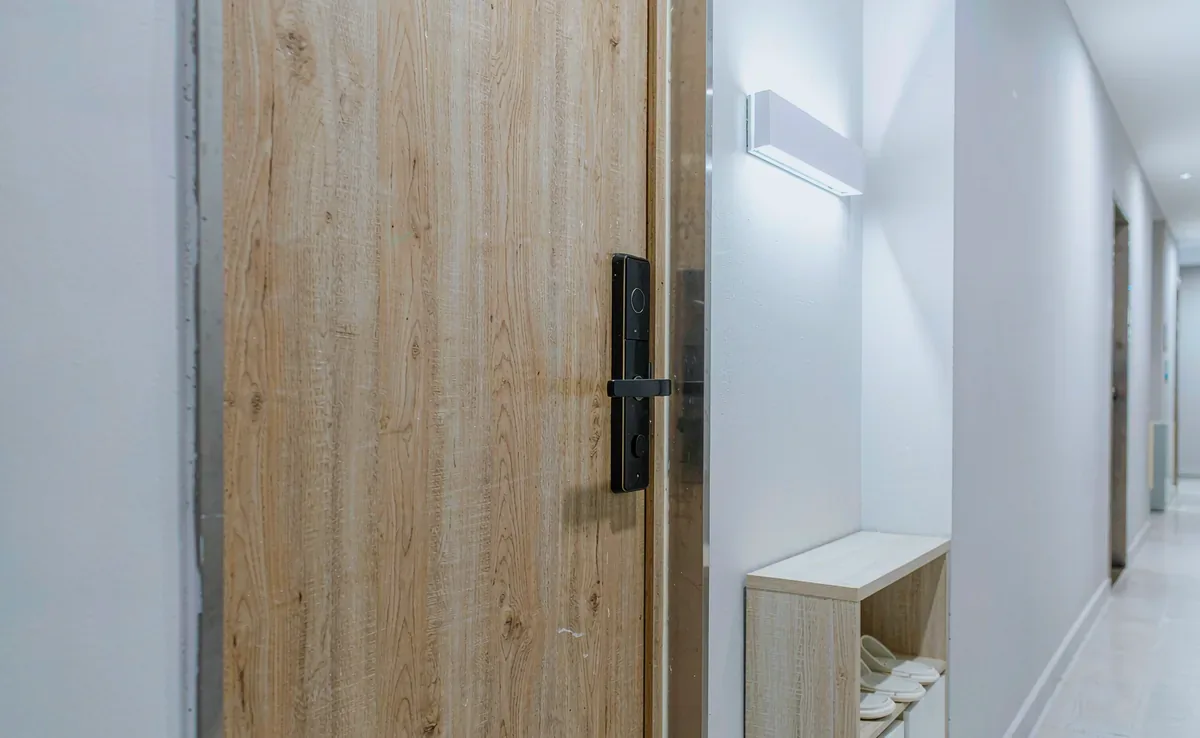
The door and the approach to an unmanned homestay, with a smart lock panel on the door

No front desk means no room card to issue

Today: a homestay runs unmanned, guests have no room card, and the room has no power credential

  • With no room card there is nothing to put in a card-operated switch
  • A self-service guest has no one to remind them, and room power runs unchecked

With the power set fitted: push-button power needs no room card, so a touch at the door supplies the room; deadbolt-linked power closes the room circuit when the guest deadbolts the door.

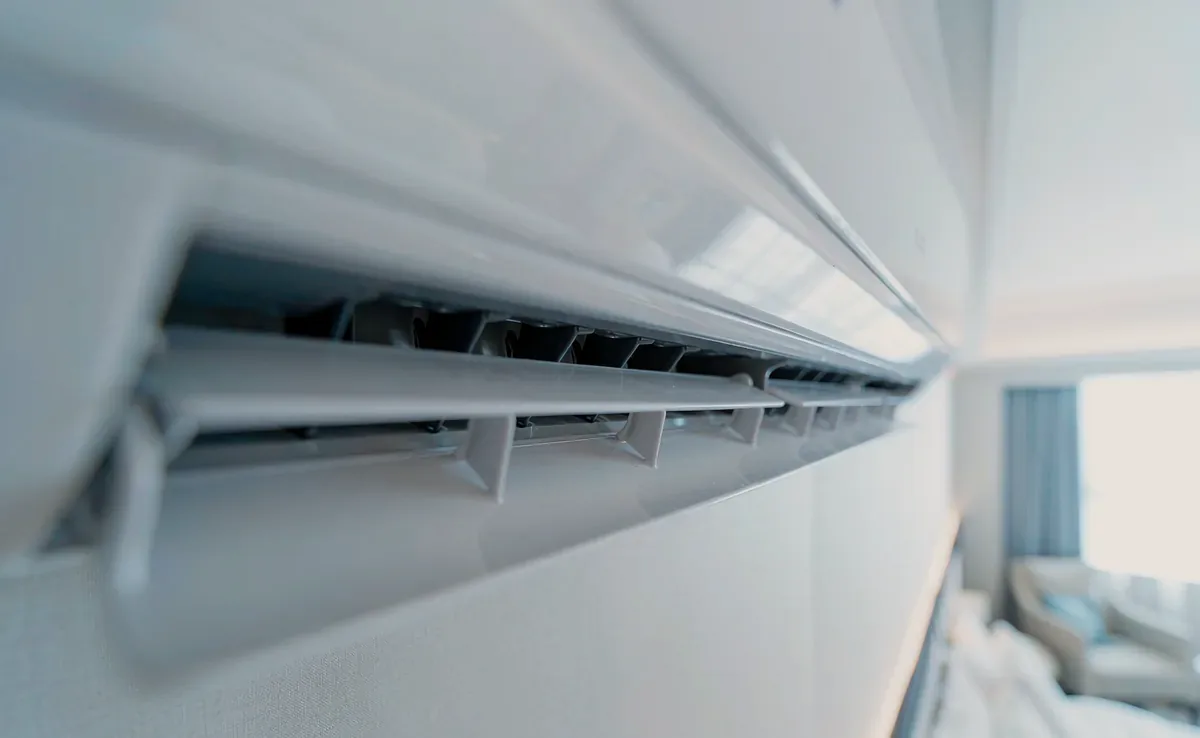
A wall-mounted air conditioner running in an empty guest room

Idle consumption is billed at the commercial tariff

Today: guest rooms are billed at the commercial tariff, and air conditioning keeps running while the room is empty

  • One room's air conditioning idling for an hour adds up across every room
  • The commercial tariff is higher than the residential one, so idle consumption shows up more clearly

With the power set fitted: the room circuit opens once the room is empty, air conditioning and the water heater stop, and power duration and the person drawing power are both recorded.

02 / Solution overview

Solution overview

Deployment follows whether there is a front desk: hotels with one draw power with a room card, homestays without one use push-button or deadbolt-linked power. The room-side cut-off logic is the same either way.

With a front desk: card power

The front desk issues a card; the card goes into the in-room switch and the room is powered, and removing it opens the circuit.

No front desk · push-button power

Keeps the existing lock and mounts on the surface; a button press supplies power, and the door sensor opens the circuit two minutes after the door is opened.

No front desk: deadbolt power

A guest deadbolting the door closes the circuit, and releasing the deadbolt opens it; the mobile app can also switch supply on and off remotely.

Room circuit under control

Air conditioning, lighting and water heaters sit on the same controlled circuit and all lose power when it opens.

Power diagram: three power triggers, the controlled circuit and remote control from the management system Power trigger Room card Card-operated power switch Push-button panel Push-button power set Lock deadbolt signal Deadbolt-linked power set In-room power switch Controls the room's controlled circuit Maximum load 40 A Air conditioning Equipment on the controlled circuit stops when the circuit opens Lighting Powered on the same circuit as the room lighting Water heater Cuts power together with the bathroom circuit Management system Power records · remote control Power records reported Remote power on / remote power off Trigger: the room card, the push-button panel and the lock deadbolt signal all close the room circuit, matching card, push-button and deadbolt power schemes. Controlled: air conditioning, lighting and water heaters sit on the same controlled circuit and all lose power when it opens. Control: power duration and the person drawing power report to the management system, and the mobile app can switch supply on or off when needed.
Power diagram | three triggers feed one in-room power switch, which controls the room's controlled circuit; power records report to the management system, which can also switch power on and off remotely.

The power set's integration path follows the site. Connectivity options: Wi-Fi / PoE / DSMesh / Sub-1G (433 MHz) / Bluetooth / 4G, per model and project selection.

06 / Model selection

Model selection

Image Model Product Key points Why this model
LC101 room door lock LC101 Room door lock PIN / NFC / mechanical key / mobile The cost-first choice for homestays and economy hotels
PS-ZBW02 card-operated power switch PS-ZBW02 Card-operated power switch Card-operated power; Wi-Fi; load 40 A Common where the front desk issues cards; five colours, matched to the room style
KTPO101 push-button power set KTPO101 Push-button power set Push-button power; door-sensor linked; Sub-1G Surface-mounted without replacing the lock; Sub-1G penetrates walls, and the push-button panel takes a secondary unit
DS101-FSQD Deadbolt-linked power set Bluetooth / PIN / smart card / mechanical key / app; deadbolt-linked power Guests cutting power by deadbolt, with remote on and off from the mobile app
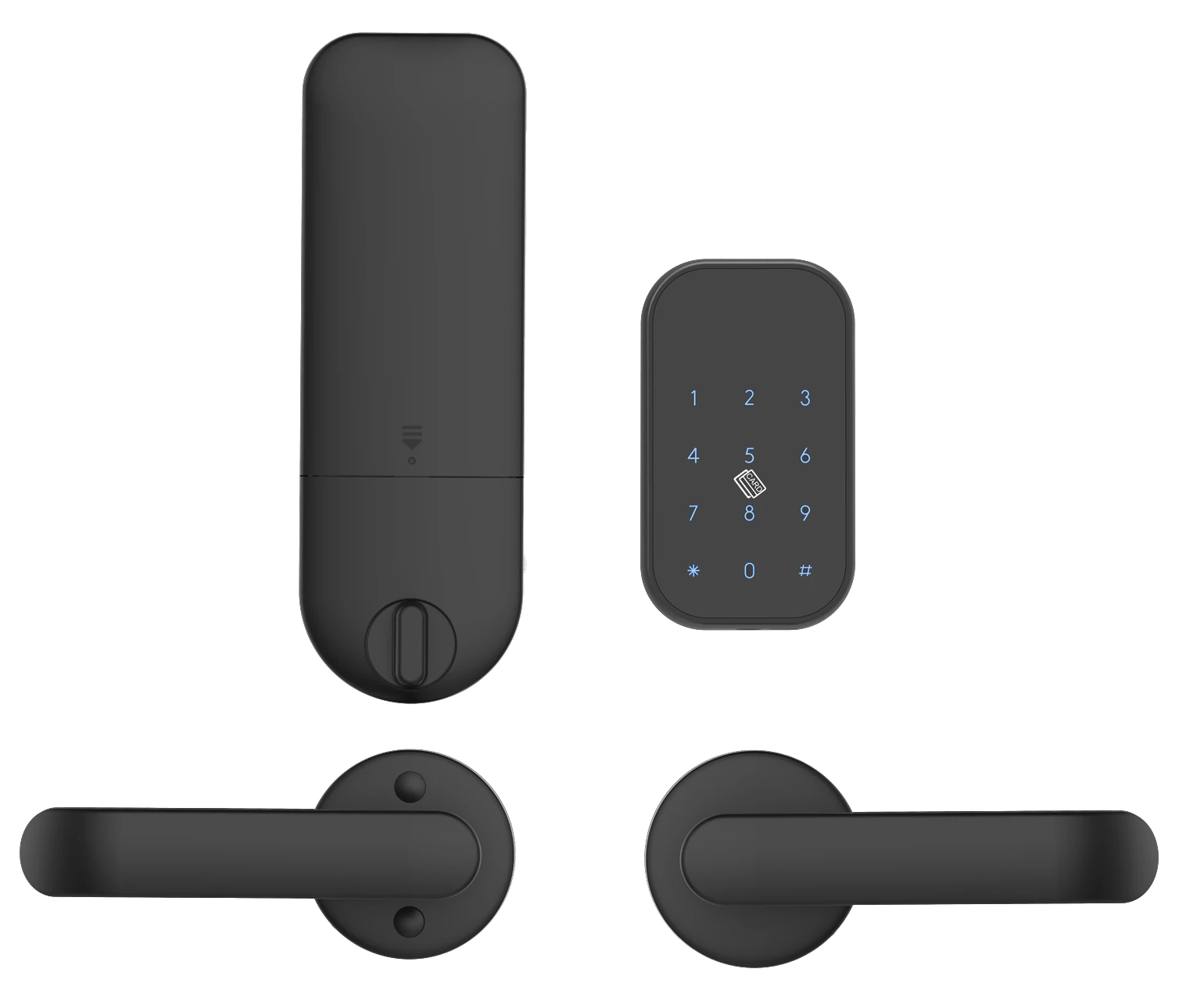
Split lock Split type Split lock Handle separate from the reader panel Premium hotel rooms, selected by door type

The combinations above are the common ones; the final choice follows the door conditions and the project selection.

07 / Open interfaces

Open interfaces

Power data and lock events can connect to the operator's existing systems in the ways below, with data staying on the operator's own servers.

Standard protocol

HTTP and MQTT interfaces for devices and events.

Power interface

Supports remote power on, remote power off, whitelist power draw and power-mode settings.

On-premises deployment

The management system can run on the operator's own servers.

Direct device connection

Devices connect directly to the customer's own server, without passing through ZGLock-hosted software.

Power records can be sent to third-party systems through the open interfaces, for custom work on energy saving and on tracing abnormal power draw.

Talk through your scenario

Describe the scenario type and the number of points, and we will propose a model combination and the matching accessories.

Talk to us