Locks and systems, both in-house
Custom development per project, with customised batch supply to match.
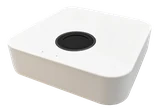
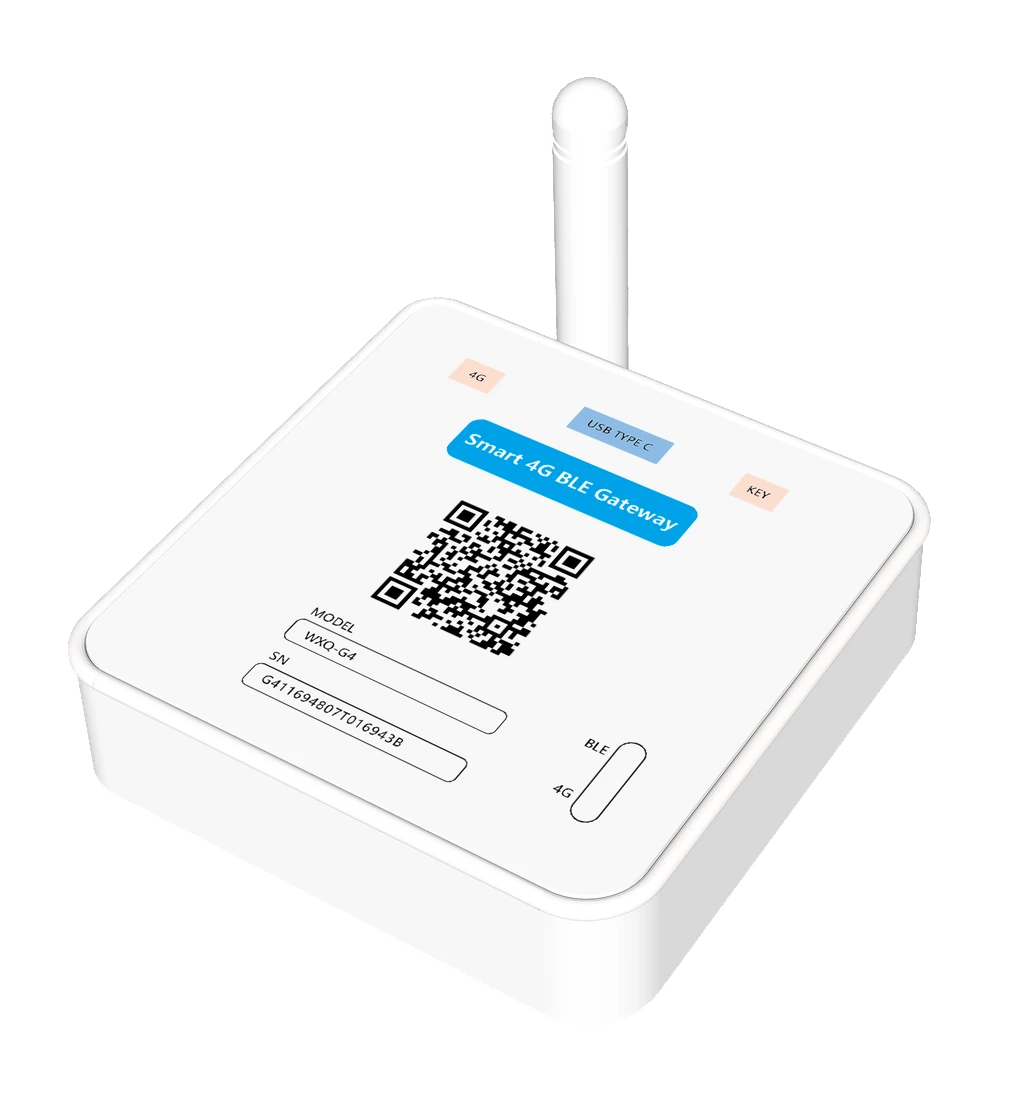
Alongside our own DSLock system, standard interfaces connect the locks to a customer's existing system. The range covers locks, access control and elevator control, gateways and meters. Connectivity options include low-power keep-alive Wi-Fi, PoE, DSMesh, Sub-1G (433 MHz), Bluetooth and 4G, with public-network direct connection or APN over a private network.
ZGLock develops locks, gateways and the DSLock platform in-house.
- GET /api/v1/devices
- POST /api/v1/devices/{id}/unlock
- MQTT zglock/{id}/event
Six product families, one system
Beyond locks there are access control and elevator control, gateways, metering and accessories, all managed in DSLock.
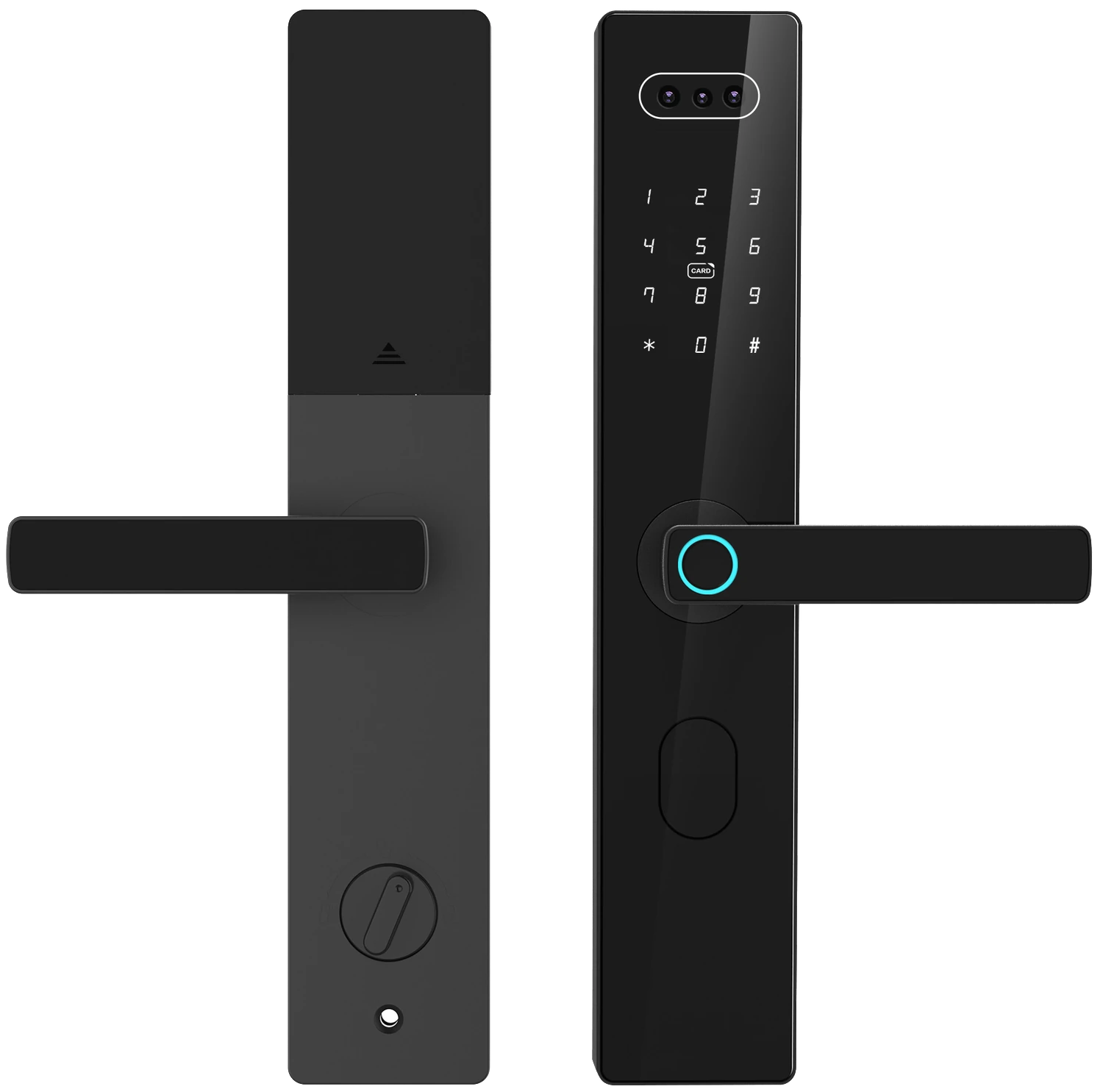
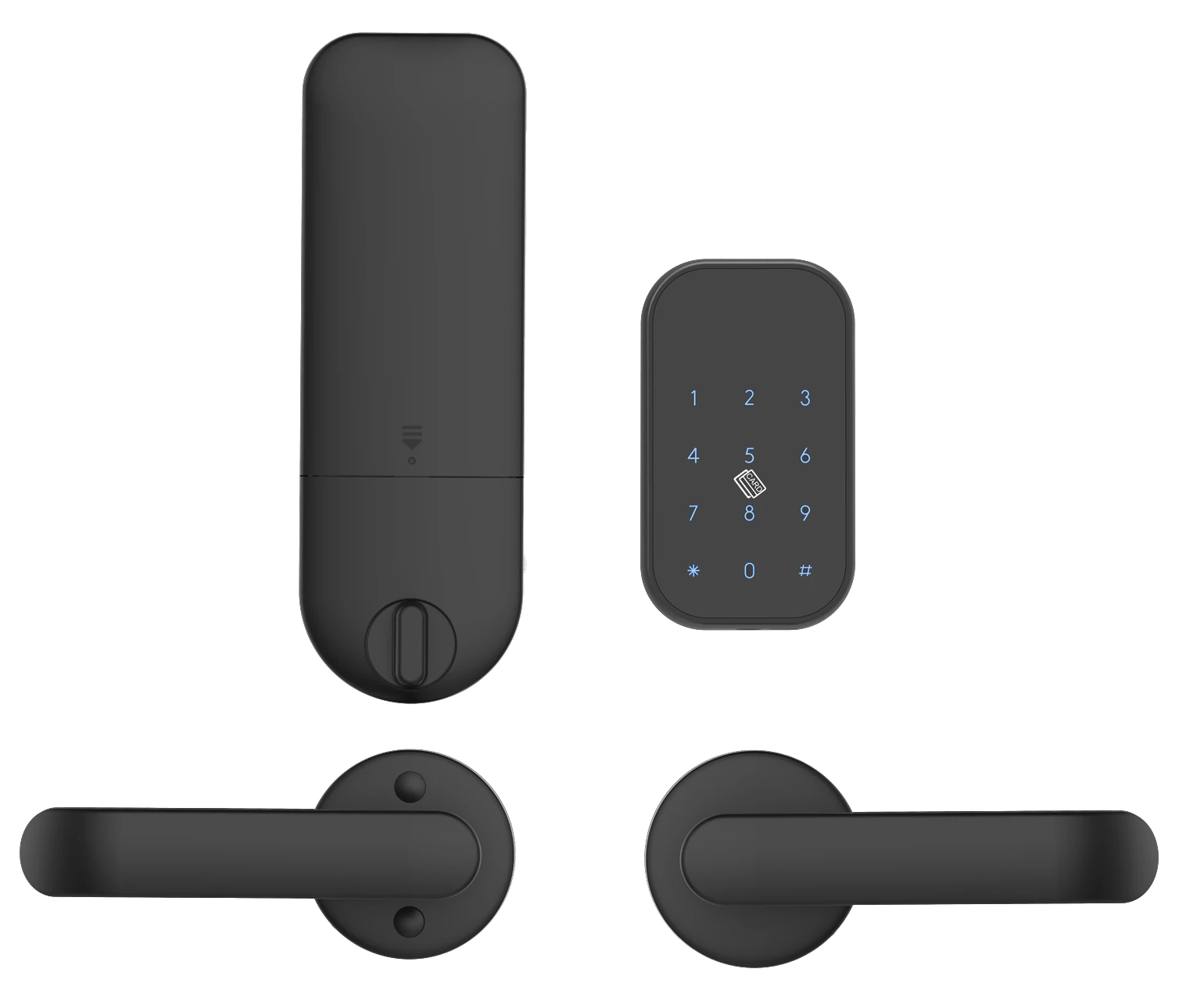
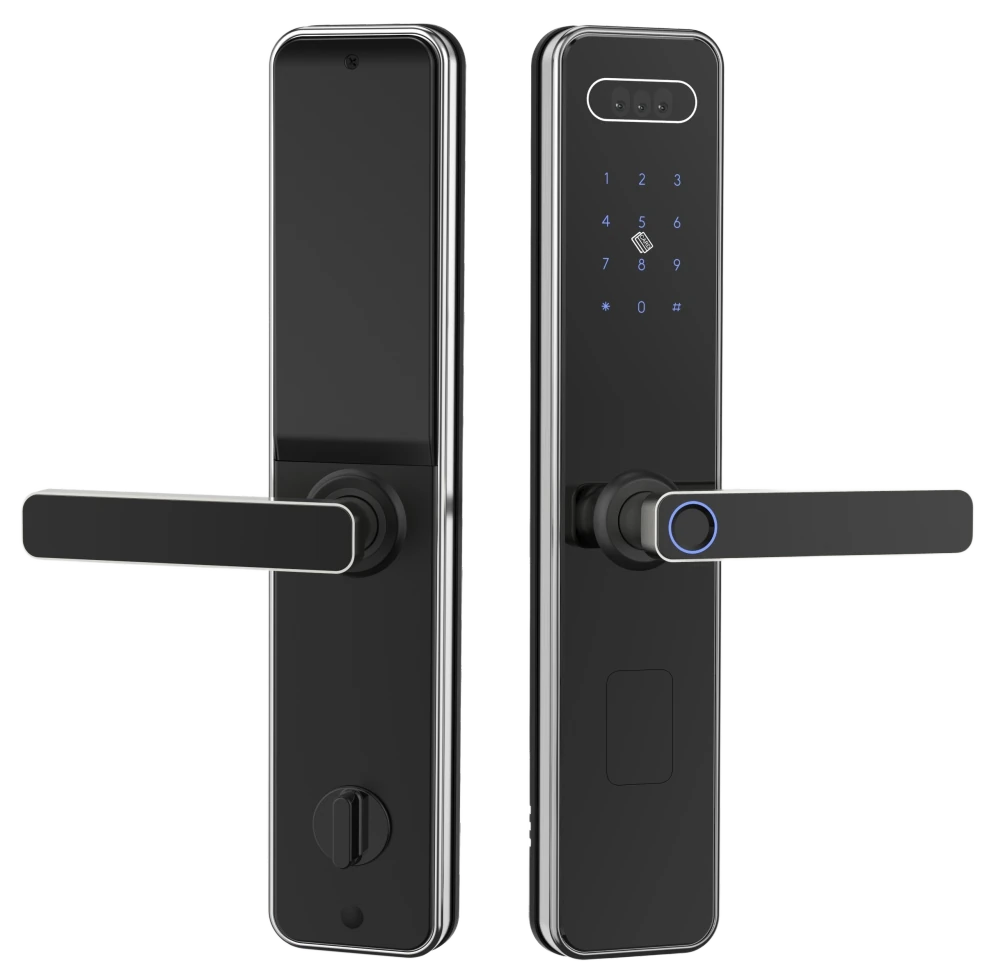
Several lock form factors
Choose the form factor by door type and use case, then add unlock tiers: NFC and PIN first, fingerprint and face as you move up.
View models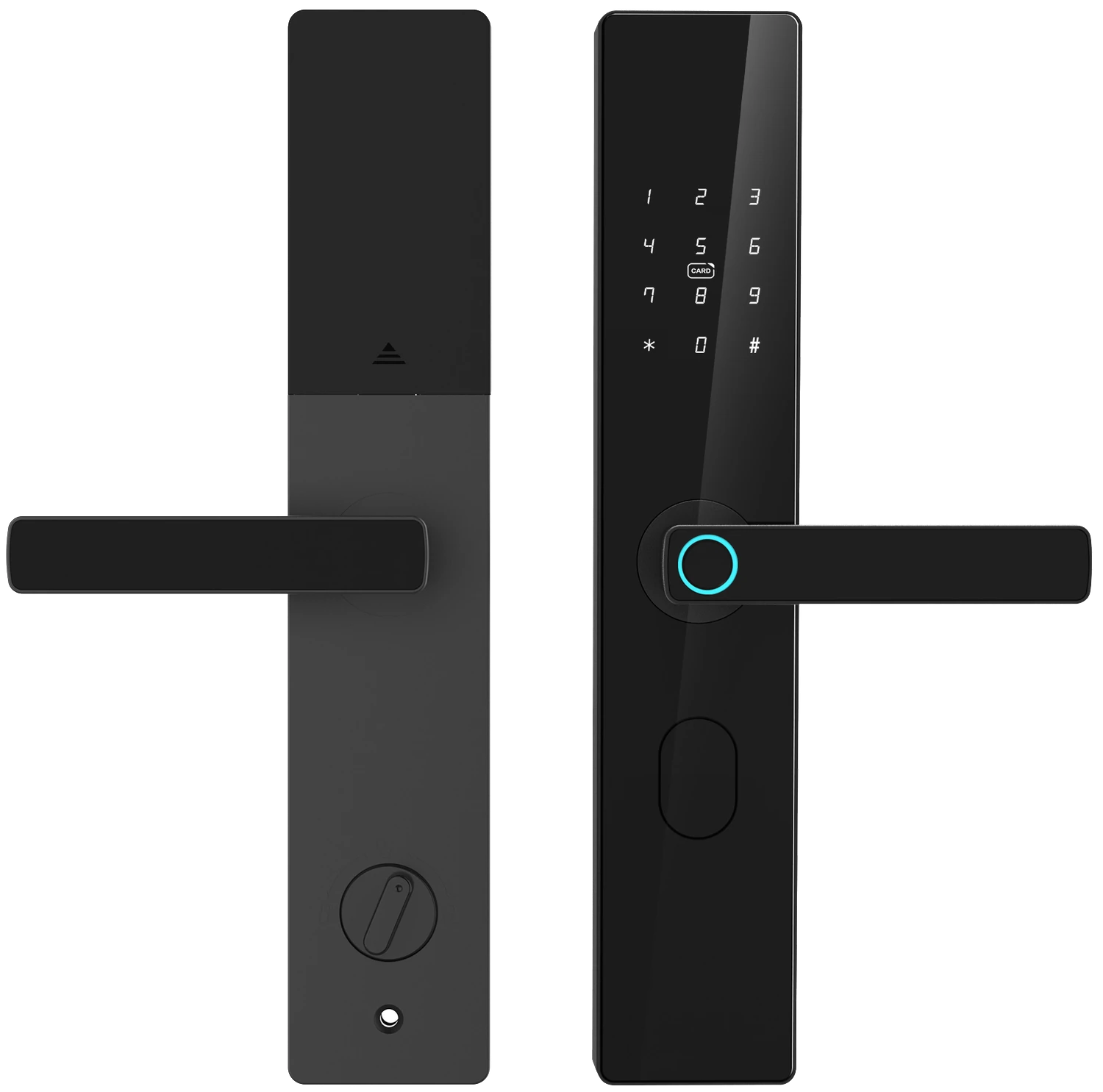
Access & elevator control
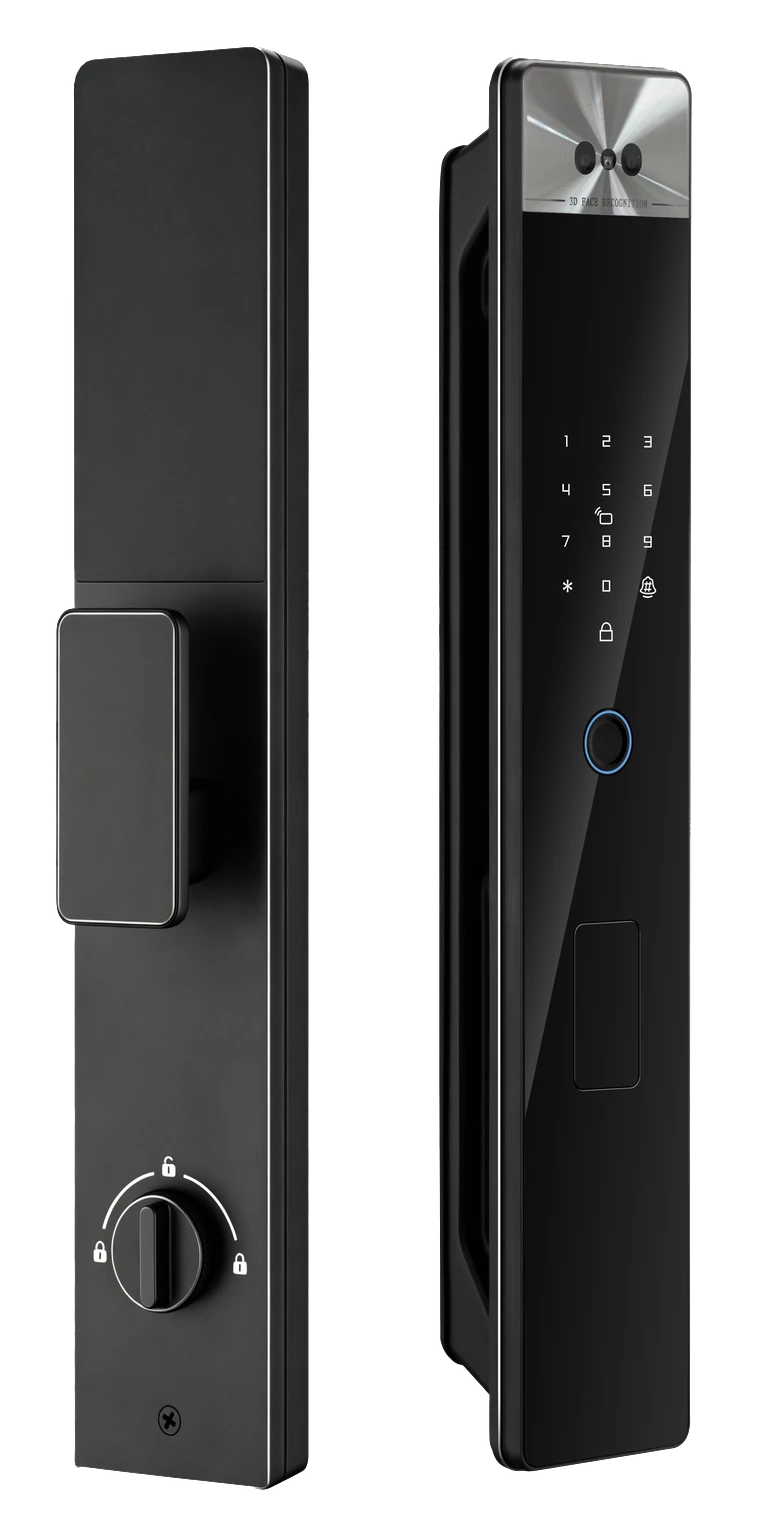
The face recognition access terminal works as a building entrance reader or connects to an elevator door control cabinet. Elevator readers and power supply units complete the set.
View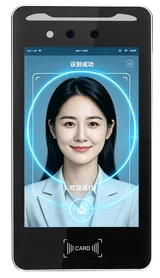
Smart water & power meters
Water and power metering join the same system and sit alongside lock points in occupancy and cost management.
View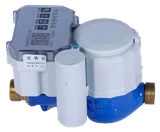
In-room power switch
Power on by card or door opening, power off when the room is empty, linked to lock access rights.
View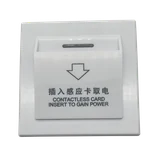
Connectivity options: Wi-Fi / PoE / DSMesh / Sub-1G (433 MHz) / Bluetooth / 4G, per model and project selection
Unlock methods
A single model can combine the unlock methods below to suit the project.
Connectivity options
Connectivity options set how a lock reaches DSLock. Choose one per site.
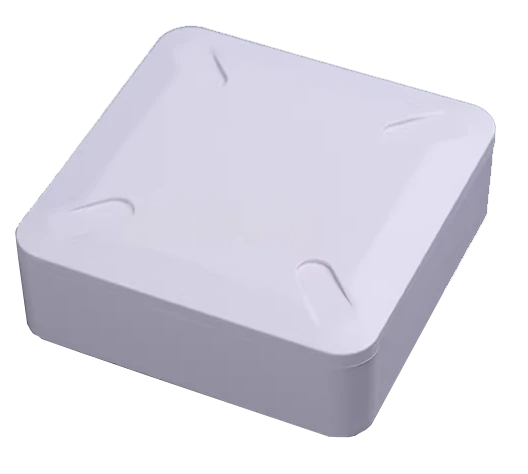
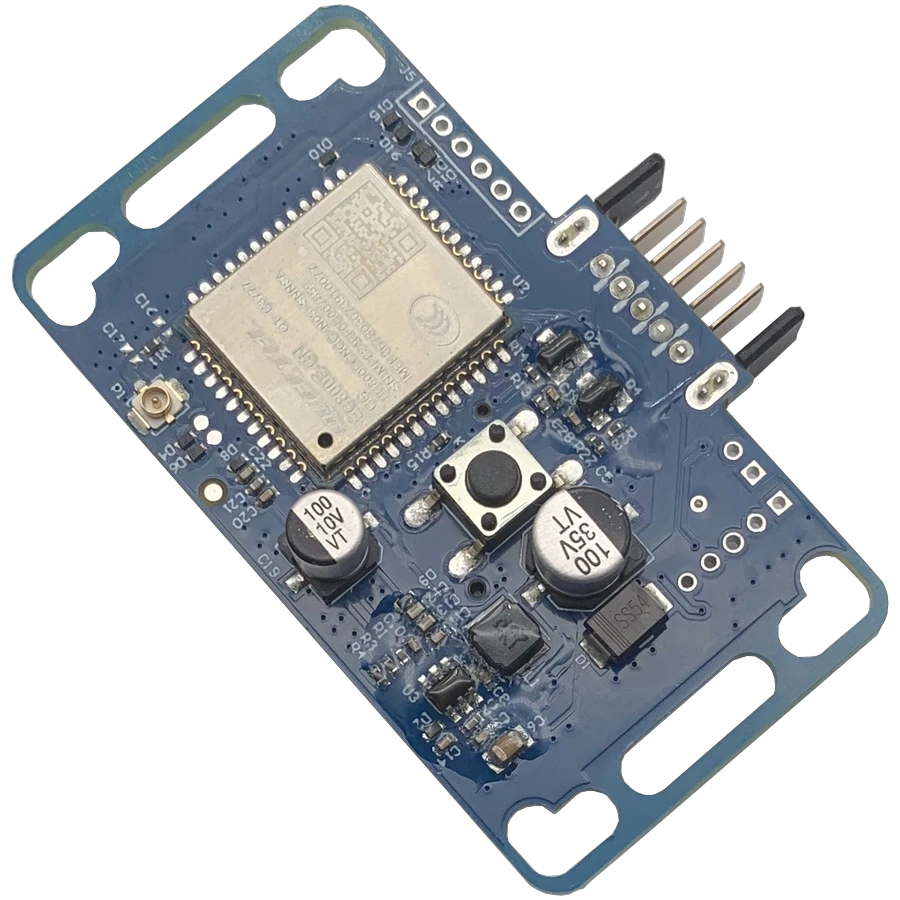
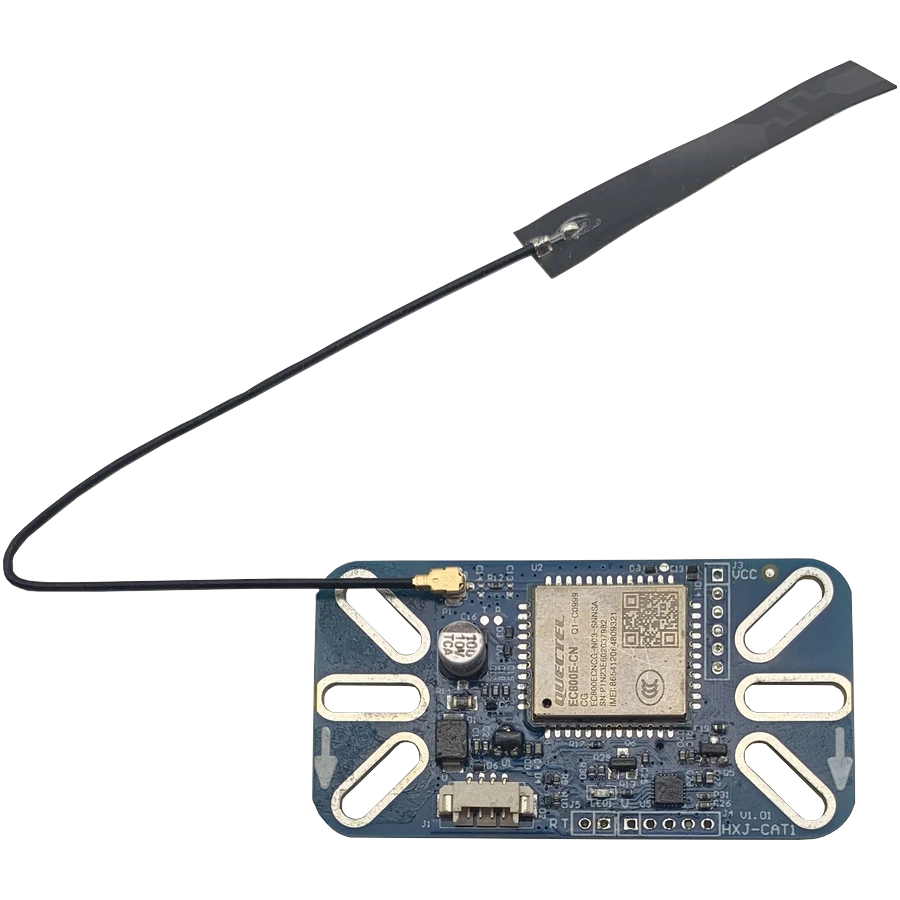
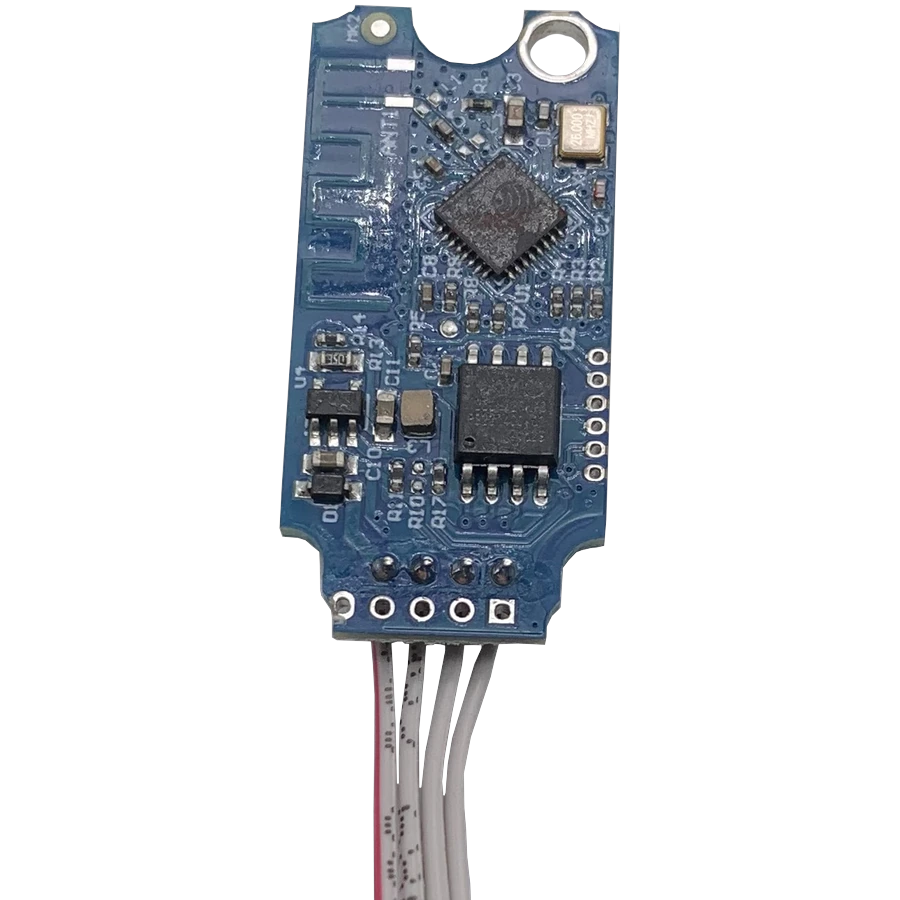
Connectivity options: Wi-Fi / PoE / DSMesh / Sub-1G (433 MHz) / Bluetooth / 4G, per model and project selection
Management system
Every lock is managed in DSLock, so access rights, door-opening logs and device status are kept in one place.
Capability groups
- Organise locks by building, unit and room
- Online status and door-opening logs in one place
- Batch-issue PIN, fingerprint and NFC access rights
Access rights and keys
- Keys are issued by the system and never stored on the lock
- Access rights scoped by person and time window
Data and export
- Search door-opening logs by time and lock
- Export logs to a standard spreadsheet format
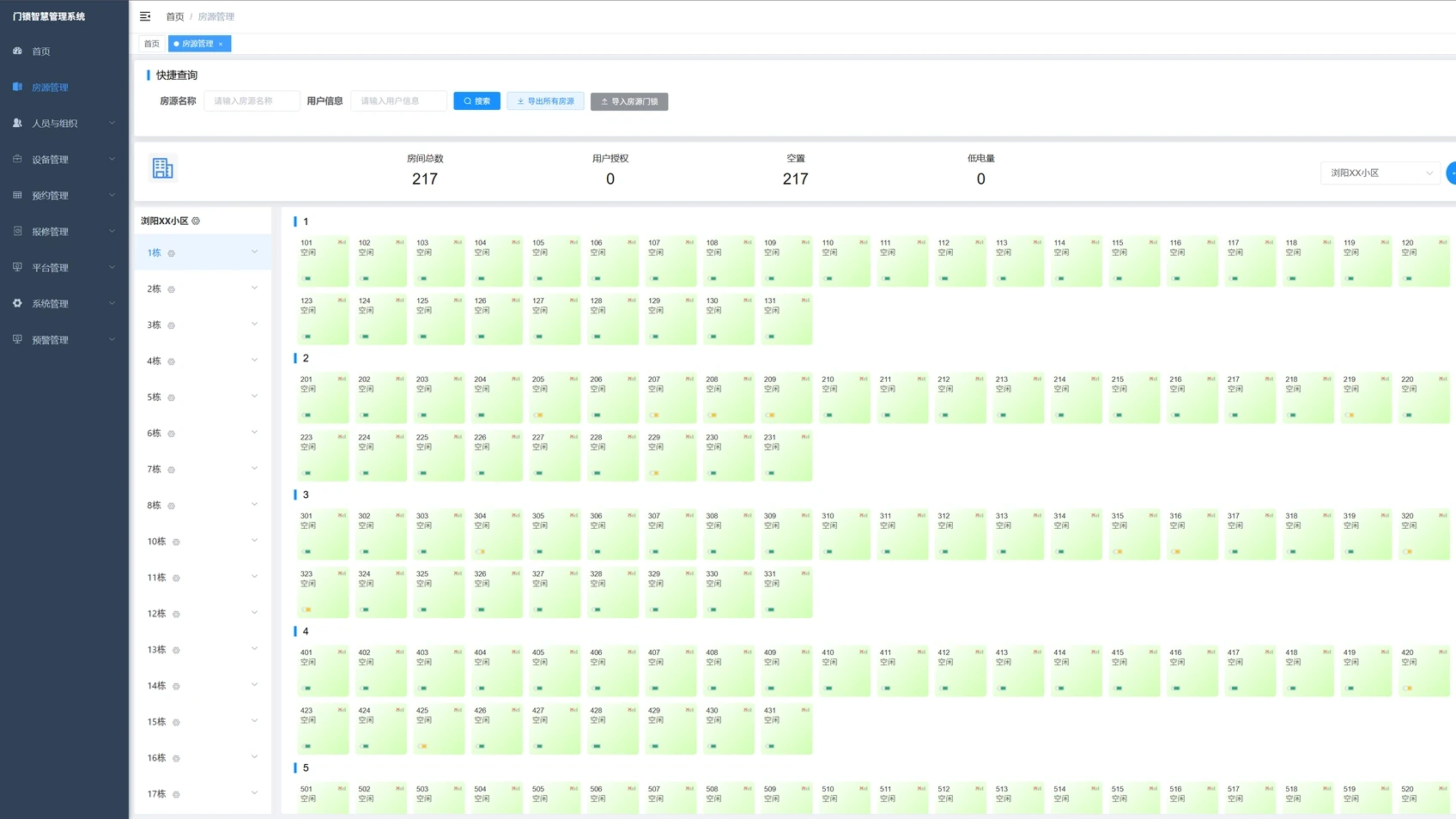

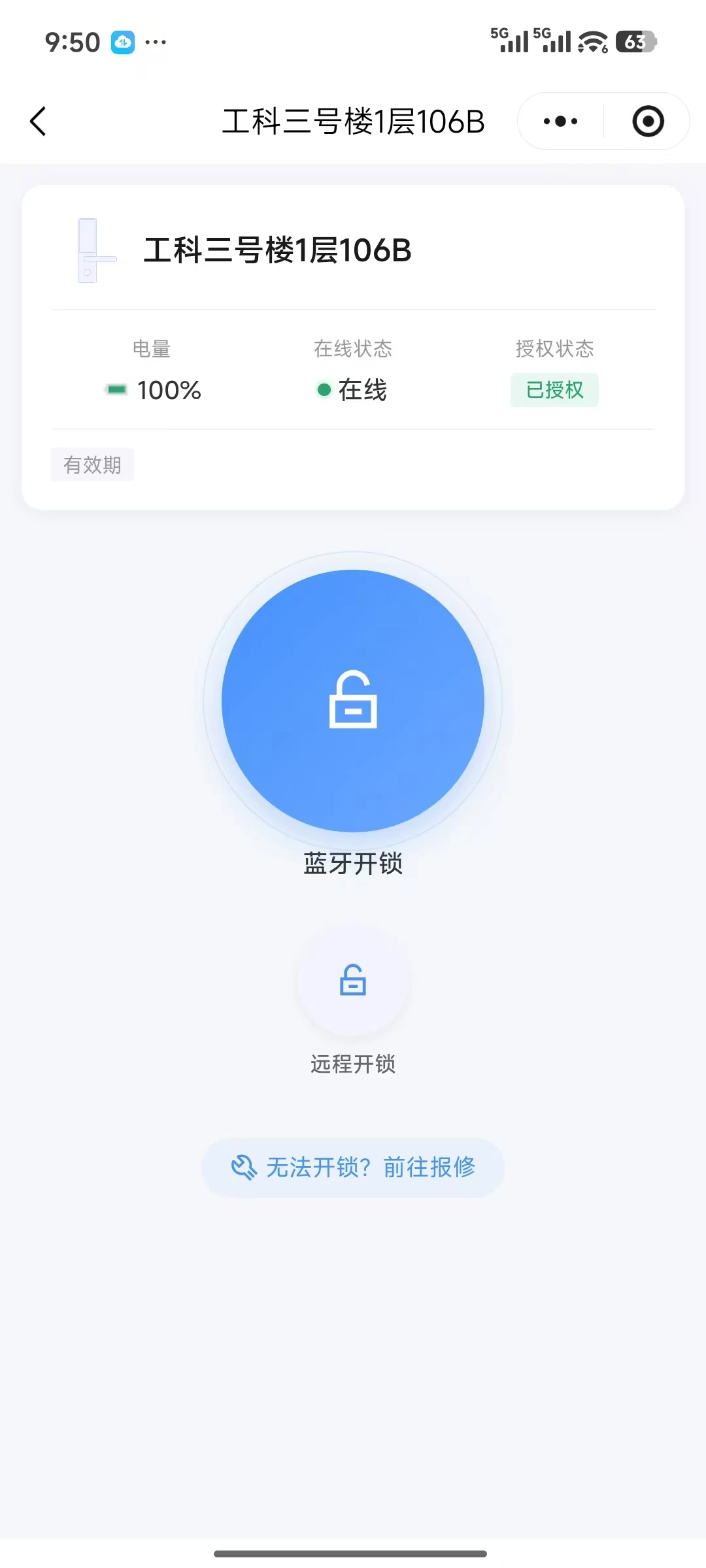
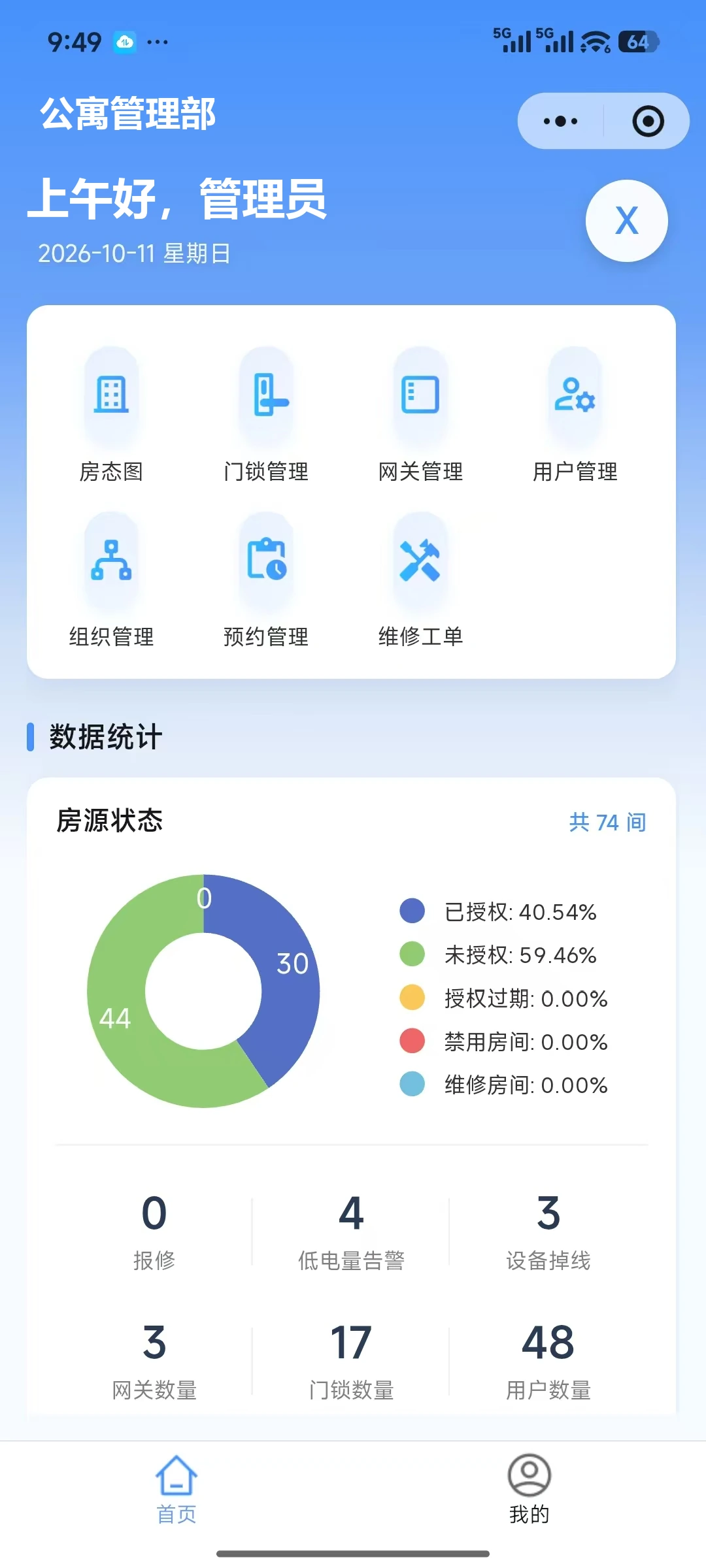
- Desktop
- Mobile · admin side
- Mobile · user side
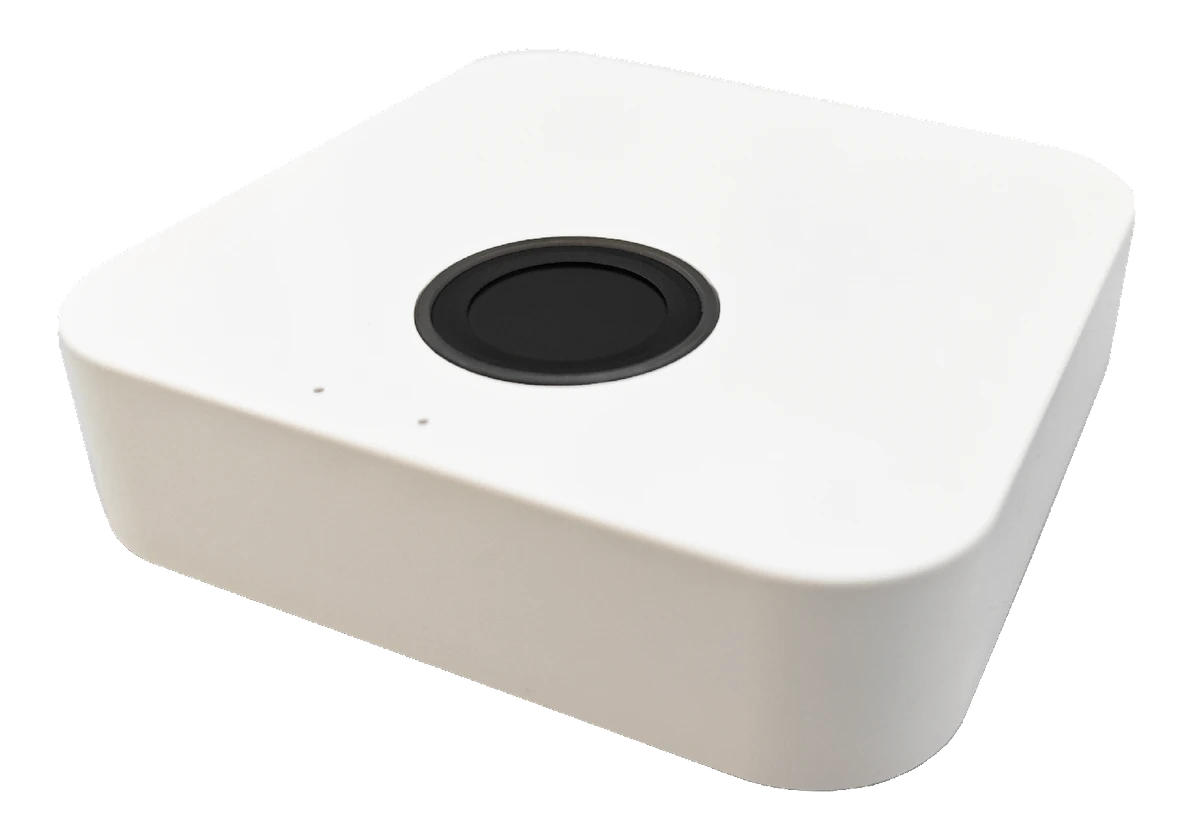
- Fingerprint scanner
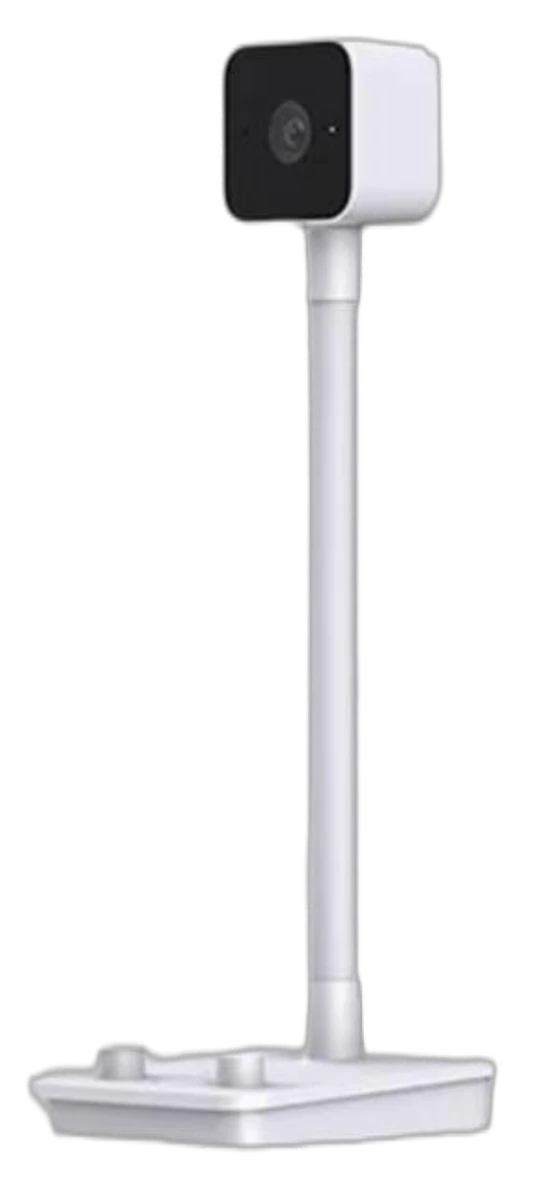
- Face enrolment device
# DSLock devices and door-opening logs
POST /api/v1/devices
GET  /api/v1/devices?cursor=…
POST /api/v1/devices/{id}/unlock
GET  /api/v1/events?cursor=…
GET /api/v1/export/records.csvOpen integration
Lock capabilities reach an existing system through four paths.
Standard protocol
HTTP and MQTT interfaces for devices and events.
SDK
Language-specific packages that wrap authentication and interface details.
On-premises deployment
The management system can run on the project's own servers.
Direct device connection
Devices connect directly to the customer's own server, without passing through ZGLock-hosted software.
Scenarios
Site conditions and selection guidance, organised by scenario.
Connect the site to the system
Tell us the number of points and the network conditions, and we will propose models and an integration path.
Talk to us